
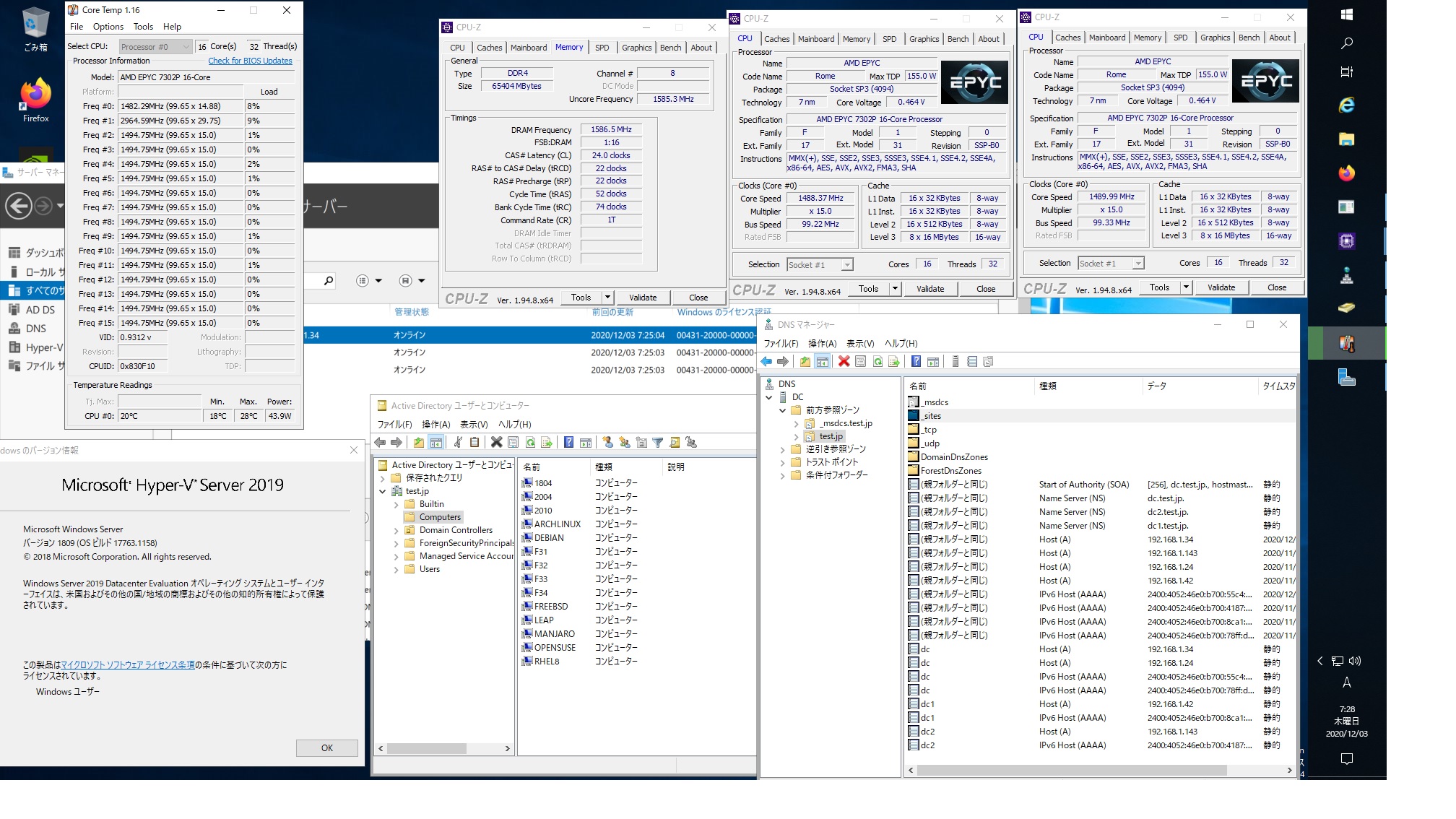
OpenSUSE Leap 15.2 Samba 4.11.14 AMD EPYC 7302P 16-coreで構築したWindows Server 2019 Datacenter Active Directory Domainのメンバーに参加してみた


leap:~ # kinit administrator
kinit: Credential cache directory /run/user/0/krb5cc does not exist while getting default ccache
leap:~ # mkdir /run/user/0
leap:~ # kinit administrator
Password for administrator@TEST.JP:
leap:~ # net ads join -U administrator
Enter administrator’s password:
Using short domain name — TEST
Joined ‘LEAP’ to dns domain ‘test.jp’
No DNS domain configured for leap. Unable to perform DNS Update.
DNS update failed: NT_STATUS_INVALID_PARAMETER
leap:~ # systemctl restart winbind
leap:~ # wbinfo -u
TEST\guest
TEST\administrator
TEST\krbtgt
TEST\chibi
leap:~ # wbinfo -n chibi
S-1-5-21-531816203-730215079-1526157293-1103 SID_USER (1)
leap:~ # net ads info
LDAP server: 192.168.1.143
LDAP server name: dc2.test.jp
Realm: TEST.JP
Bind Path: dc=TEST,dc=JP
LDAP port: 389
Server time: Thu, 03 Dec 2020 07:18:28 JST
KDC server: 192.168.1.143
Server time offset: -7
Last machine account password change: Thu, 03 Dec 2020 07:17:25 JST
leap:~ # host -4 dc
dc.test.jp has address 192.168.1.24
dc.test.jp has address 192.168.1.34
dc.test.jp has IPv6 address 2400:4052:46e0:b700:78ff:d4cf:8f24:c7aa
dc.test.jp has IPv6 address 2400:4052:46e0:b700:55c4:a495:cffa:fa8c
leap:~ # host -4 dc1
dc1.test.jp has address 192.168.1.42
dc1.test.jp has IPv6 address 2400:4052:46e0:b700:8ca1:4fc6:8897:27c2
leap:~ # host -4 dc2
dc2.test.jp has address 192.168.1.143
dc2.test.jp has IPv6 address 2400:4052:46e0:b700:4187:ee03:b5e:34e1
leap:~ # host -t SRV _ldap._tcp.test.jp
_ldap._tcp.test.jp has SRV record 0 100 389 dc1.test.jp.
_ldap._tcp.test.jp has SRV record 0 100 389 dc2.test.jp.
_ldap._tcp.test.jp has SRV record 0 100 389 dc.test.jp.
leap:~ # host -t SRV _kerberos._udp.test.jp
_kerberos._udp.test.jp has SRV record 0 100 88 dc1.test.jp.
_kerberos._udp.test.jp has SRV record 0 100 88 dc2.test.jp.
_kerberos._udp.test.jp has SRV record 0 100 88 dc.test.jp.
leap:~ # host -t A test.jp
test.jp has address 192.168.1.24
test.jp has address 192.168.1.42
test.jp has address 192.168.1.34
test.jp has address 192.168.1.143
leap:~ # cat /etc/os-release
NAME=”openSUSE Leap”
VERSION=”15.2″
ID=”opensuse-leap”
ID_LIKE=”suse opensuse”
VERSION_ID=”15.2″
PRETTY_NAME=”openSUSE Leap 15.2″
ANSI_COLOR=”0;32″
CPE_NAME=”cpe:/o:opensuse:leap:15.2″
BUG_REPORT_URL=”https://bugs.opensuse.org”
HOME_URL=”https://www.opensuse.org/”
leap:~ # samba -V
Version 4.11.14-git.202.344b137b75dlp152.3.16.1-SUSE-oS15.0-x86_64
leap:~ # smbclient -L localhost -U%
do_connect: Connection to localhost failed (Error NT_STATUS_CONNECTION_REFUSED)
leap:~ # smbclient -L 192.168.1.24 -U%

Sharename Type Comment
——— —- ——-
SMB1 disabled — no workgroup available
leap:~ # smbclient //192.168.1.24/netlogon -U administrator
Oracle Linux Server release 8.3 Samba4.12.3 AMD EPYC 7302Pで構築したWindows Server 2019 Datacenter Active Directory Domainのメンバーに参加してみた
コメントする

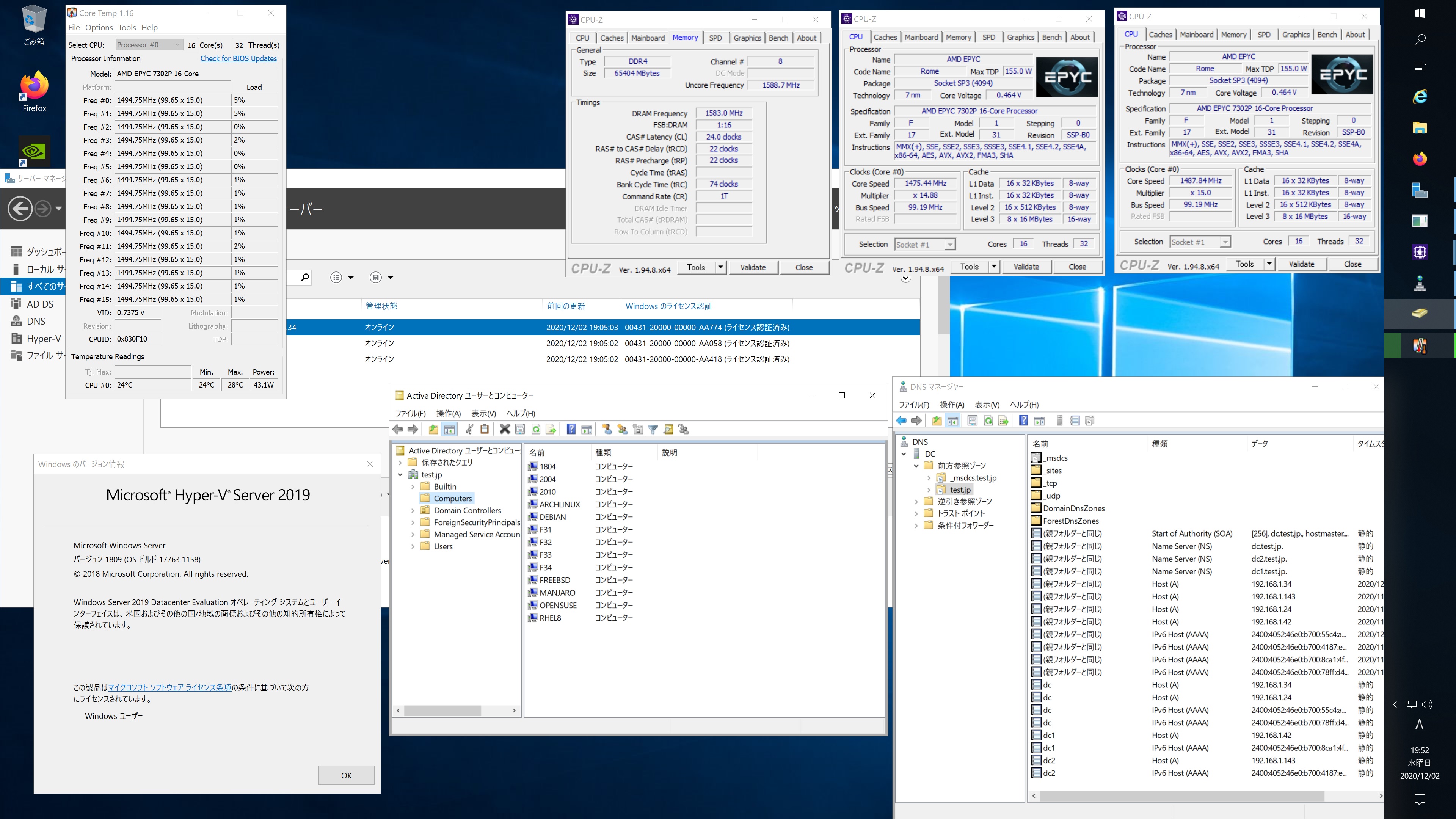
Arch Linux Samba4.13.2 AMD EPYC 7302P 16-coreで構築された Windows Server 2019 Datacenter Active Directory Domain のメンバーに参加してみた


[root@archlinux ~]# kinit administrator
Password for administrator@TEST.JP:
[root@archlinux ~]# net ads join -U administrator
Enter administrator’s password:
Using short domain name — TEST
Joined ‘ARCHLINUX’ to dns domain ‘test.jp’
No DNS domain configured for archlinux. Unable to perform DNS Update.
DNS update failed: NT_STATUS_INVALID_PARAMETER
[root@archlinux ~]# systemctl restart winbind
[root@archlinux ~]# wbinfo -u
TEST\guest
TEST\administrator
TEST\krbtgt
TEST\chibi
[root@archlinux ~]# wbinfo -n chibi
S-1-5-21-531816203-730215079-1526157293-1103 SID_USER (1)
[root@archlinux ~]# net ads info
LDAP server: 192.168.1.42
LDAP server name: dc1.test.jp
Realm: TEST.JP
Bind Path: dc=TEST,dc=JP
LDAP port: 389
Server time: Wed, 02 Dec 2020 19:46:18 JST
KDC server: 192.168.1.42
Server time offset: -4
Last machine account password change: Wed, 02 Dec 2020 19:45:19 JST
[root@archlinux ~]# host -4 dc
dc.test.jp has address 192.168.1.34
dc.test.jp has address 192.168.1.24
dc.test.jp has IPv6 address 2400:4052:46e0:b700:78ff:d4cf:8f24:c7aa
dc.test.jp has IPv6 address 2400:4052:46e0:b700:55c4:a495:cffa:fa8c
[root@archlinux ~]# host -4 dc1
dc1.test.jp has address 192.168.1.42
dc1.test.jp has IPv6 address 2400:4052:46e0:b700:8ca1:4fc6:8897:27c2
[root@archlinux ~]# host -4 dc2
dc2.test.jp has address 192.168.1.143
dc2.test.jp has IPv6 address 2400:4052:46e0:b700:4187:ee03:b5e:34e1
[root@archlinux ~]# host -t SRV _ldap._tcp.test.jp
_ldap._tcp.test.jp has SRV record 0 100 389 dc.test.jp.
_ldap._tcp.test.jp has SRV record 0 100 389 dc1.test.jp.
_ldap._tcp.test.jp has SRV record 0 100 389 dc2.test.jp.
[root@archlinux ~]# host -t SRV _kerberos._udp.test.jp
_kerberos._udp.test.jp has SRV record 0 100 88 dc1.test.jp.
_kerberos._udp.test.jp has SRV record 0 100 88 dc2.test.jp.
_kerberos._udp.test.jp has SRV record 0 100 88 dc.test.jp.
[root@archlinux ~]# host -t A test.jp
test.jp has address 192.168.1.42
test.jp has address 192.168.1.143
test.jp has address 192.168.1.24
test.jp has address 192.168.1.34
[root@archlinux ~]# cat /etc/os-release
NAME=”Arch Linux”
PRETTY_NAME=”Arch Linux”
ID=arch
BUILD_ID=rolling
ANSI_COLOR=”38;2;23;147;209″
HOME_URL=”https://www.archlinux.org/”
DOCUMENTATION_URL=”https://wiki.archlinux.org/”
SUPPORT_URL=”https://bbs.archlinux.org/”
BUG_REPORT_URL=”https://bugs.archlinux.org/”
LOGO=archlinux
[root@archlinux ~]# samba -V
Version 4.13.2
[root@archlinux ~]# smbclient //192.168.1.24/netlogon -Uadministrator
Arch Linux Samba4.13.2 AMD EPYC 7302Pで構築された Windows Server 2019 Datacenter Active Directory Domain のメンバーに参加してみた

コメントする

Samba 4.14.0rc3 Available for Download

Samba 4.14.0rc3が公開されました。ReleaseNoteはこちらです。

コメントする

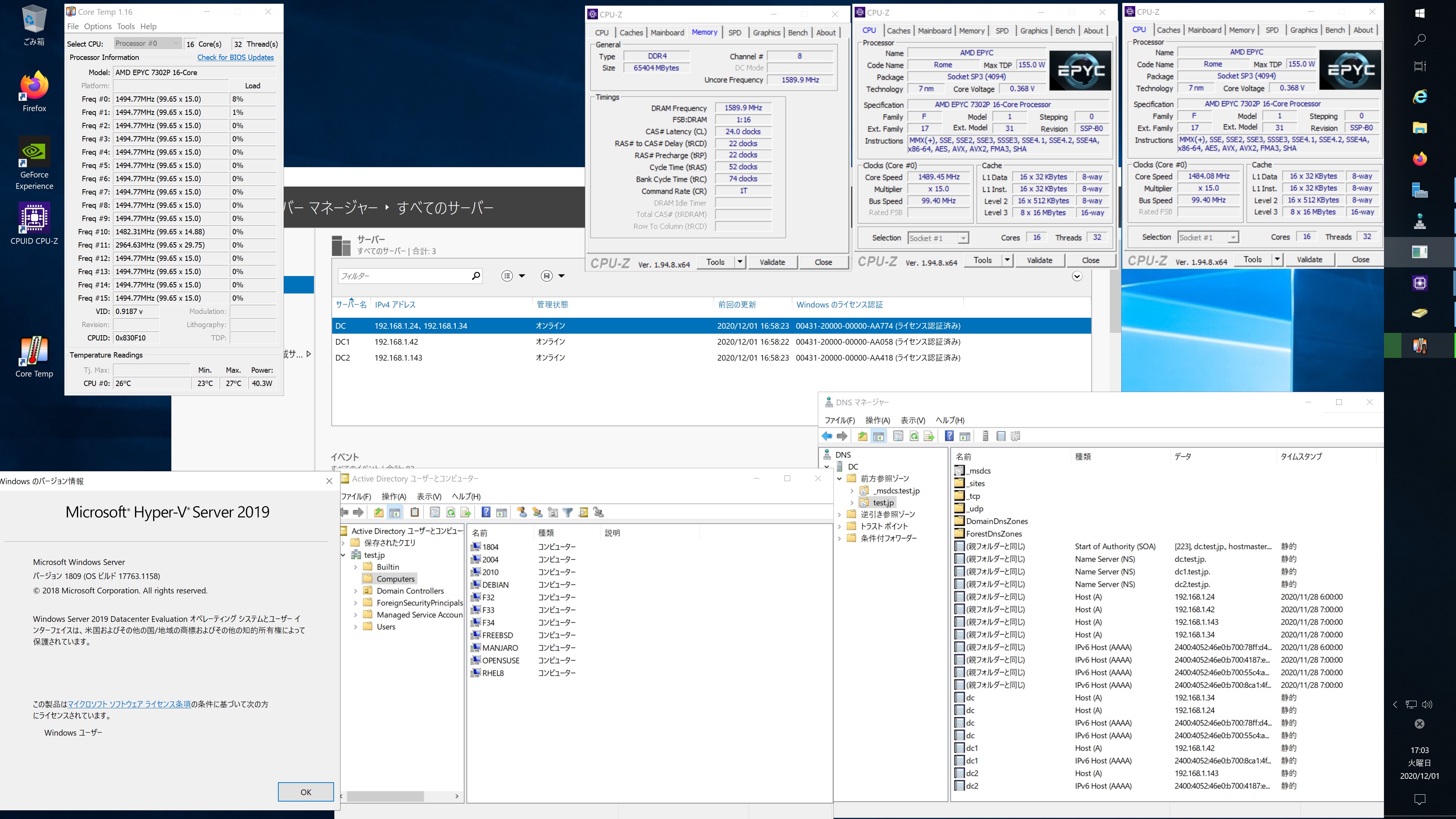
Ubuntu 20.10 Samba 4.12.5 AMD EPYC 7302P 16-core Processor で構築したWindows Server 2019 Datacenter Active Directory Domainのメンバーに参加してみた

root@2010:~# kinit administrator
Password for administrator@TEST.JP:
root@2010:~# net ads join -U administrator
Enter administrator’s password:
Using short domain name — TEST
Joined ‘2010’ to dns domain ‘test.jp’
No DNS domain configured for 2010. Unable to perform DNS Update.
DNS update failed: NT_STATUS_INVALID_PARAMETER
root@2010:~# systemctl restart winbind
root@2010:~# wbinfo -u
TEST\guest
TEST\administrator
TEST\krbtgt
TEST\chibi
root@2010:~# wbinfo -n chibi
S-1-5-21-531816203-730215079-1526157293-1103 SID_USER (1)
root@2010:~# net ads info
LDAP server: 192.168.1.42
LDAP server name: dc1.test.jp
Realm: TEST.JP
Bind Path: dc=TEST,dc=JP
LDAP port: 389
Server time: 火, 01 12月 2020 16:58:04 JST
KDC server: 192.168.1.42
Server time offset: -5
Last machine account password change: 火, 01 12月 2020 16:57:12 JST
root@2010:~# host -4 dc
dc.test.jp has address 192.168.1.34
dc.test.jp has address 192.168.1.24
dc.test.jp has IPv6 address 2400:4052:46e0:b700:55c4:a495:cffa:fa8c
dc.test.jp has IPv6 address 2400:4052:46e0:b700:78ff:d4cf:8f24:c7aa
root@2010:~# host -4 dc1
dc1.test.jp has address 192.168.1.42
dc1.test.jp has IPv6 address 2400:4052:46e0:b700:8ca1:4fc6:8897:27c2
root@2010:~# host -4 dc2
dc2.test.jp has address 192.168.1.143
dc2.test.jp has IPv6 address 2400:4052:46e0:b700:4187:ee03:b5e:34e1
root@2010:~# host -t SRV _ldap._tcp.test.jp
_ldap._tcp.test.jp has SRV record 0 100 389 dc.test.jp.
_ldap._tcp.test.jp has SRV record 0 100 389 dc1.test.jp.
_ldap._tcp.test.jp has SRV record 0 100 389 dc2.test.jp.
root@2010:~# host -t SRV _kerberos._udp.test.jp
_kerberos._udp.test.jp has SRV record 0 100 88 dc.test.jp.
_kerberos._udp.test.jp has SRV record 0 100 88 dc1.test.jp.
_kerberos._udp.test.jp has SRV record 0 100 88 dc2.test.jp.
root@2010:~# host -t A test.jp
test.jp has address 192.168.1.143
test.jp has address 192.168.1.34
test.jp has address 192.168.1.24
test.jp has address 192.168.1.42
root@2010:~# cat /etc/os-release
NAME=”Ubuntu”
VERSION=”20.10 (Groovy Gorilla)”
ID=ubuntu
ID_LIKE=debian
PRETTY_NAME=” 2″
VERSION_ID=”20.10″
HOME_URL=”https://www.ubuntu.com/”
SUPPORT_URL=”https://help.ubuntu.com/”
BUG_REPORT_URL=”https://bugs.launchpad.net/ubuntu/”
PRIVACY_POLICY_URL=”https://www.ubuntu.com/legal/terms-and-policies/privacy-policy”
VERSION_CODENAME=groovy
UBUNTU_CODENAME=groovy
root@2010:~# samba -V
Version 4.12.5-Ubuntu
root@2010:~# net ads lookup
Ubuntu 20.10 Samba 4.12.5 AMD EPYC 7302P 16-core Processor で構築したWindows Server 2019 Datacenter Active Directory Domainのメンバーに参加してみた

コメントする

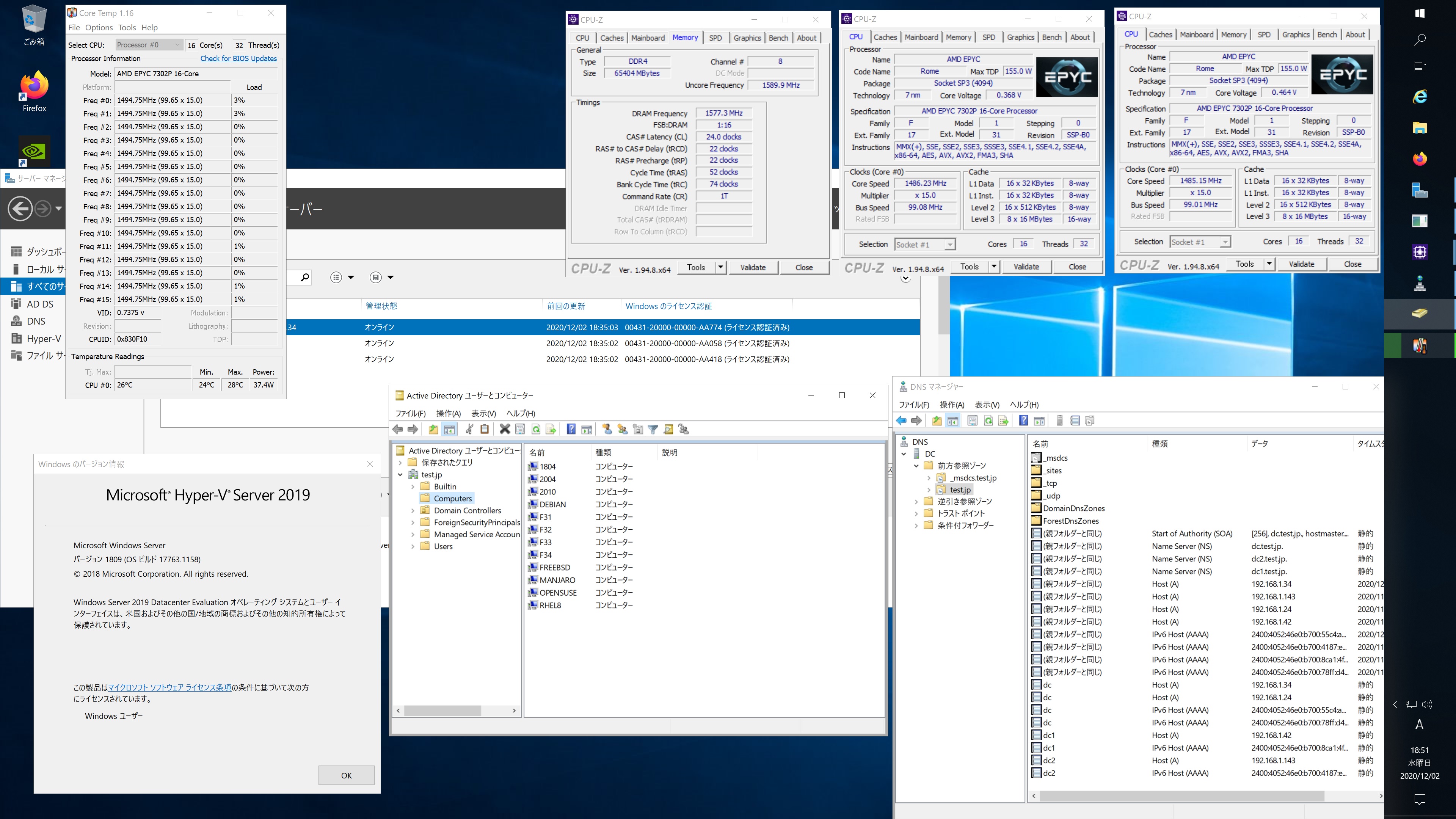
Fedora release 31 Samba4.11.14 AMD EPYC 7302P 16-coreで構築された Windows Server 2019 Datacenter Active Directory Domain のメンバーに参加してみた


[root@f31 ~]# kinit administrator
Password for administrator@TEST.JP:
[root@f31 ~]# net ads join -U administrator
Enter administrator’s password:
Using short domain name — TEST
Joined ‘F31’ to dns domain ‘test.jp’
No DNS domain configured for f31. Unable to perform DNS Update.
DNS update failed: NT_STATUS_INVALID_PARAMETER
[root@f31 ~]# systemctl restart winbind
[root@f31 ~]# wbinfo -u
TEST\guest
TEST\administrator
TEST\krbtgt
TEST\chibi
[root@f31 ~]# wbinfo -n chibi
S-1-5-21-531816203-730215079-1526157293-1103 SID_USER (1)
[root@f31 ~]# net ads info
LDAP server: 192.168.1.143
LDAP server name: dc2.test.jp
Realm: TEST.JP
Bind Path: dc=TEST,dc=JP
LDAP port: 389
Server time: 水, 02 12月 2020 18:43:54 JST
KDC server: 192.168.1.143
Server time offset: -6
Last machine account password change: 水, 02 12月 2020 18:43:28 JST
[root@f31 ~]# host -4 dc
dc.test.jp has address 192.168.1.34
dc.test.jp has address 192.168.1.24
dc.test.jp has IPv6 address 2400:4052:46e0:b700:78ff:d4cf:8f24:c7aa
dc.test.jp has IPv6 address 2400:4052:46e0:b700:55c4:a495:cffa:fa8c
[root@f31 ~]# host -4 dc1
dc1.test.jp has address 192.168.1.42
dc1.test.jp has IPv6 address 2400:4052:46e0:b700:8ca1:4fc6:8897:27c2
[root@f31 ~]# host -4 dc2
dc2.test.jp has address 192.168.1.143
dc2.test.jp has IPv6 address 2400:4052:46e0:b700:4187:ee03:b5e:34e1
[root@f31 ~]# host -t SRV _ldap._tcp.test.jp
_ldap._tcp.test.jp has SRV record 0 100 389 dc2.test.jp.
_ldap._tcp.test.jp has SRV record 0 100 389 dc.test.jp.
_ldap._tcp.test.jp has SRV record 0 100 389 dc1.test.jp.
[root@f31 ~]# host -t SRV _kerberos._udp.test.jp
_kerberos._udp.test.jp has SRV record 0 100 88 dc.test.jp.
_kerberos._udp.test.jp has SRV record 0 100 88 dc1.test.jp.
_kerberos._udp.test.jp has SRV record 0 100 88 dc2.test.jp.
[root@f31 ~]# host -t A test.jp
test.jp has address 192.168.1.24
test.jp has address 192.168.1.42
test.jp has address 192.168.1.34
test.jp has address 192.168.1.143
[root@f31 ~]# cat /etc/redhat-release
Fedora release 31 (Thirty One)
[root@f31 ~]# samba -V
Version 4.11.14
[root@f31 ~]# smbclient //192.168.1.24/netlogon -Uadministrator
Fedora release 31 Samba4.11.14 AMD EPYC 7302Pで構築された Windows Server 2019 Datacenter Active Directory Domain のメンバーに参加してみた

コメントする