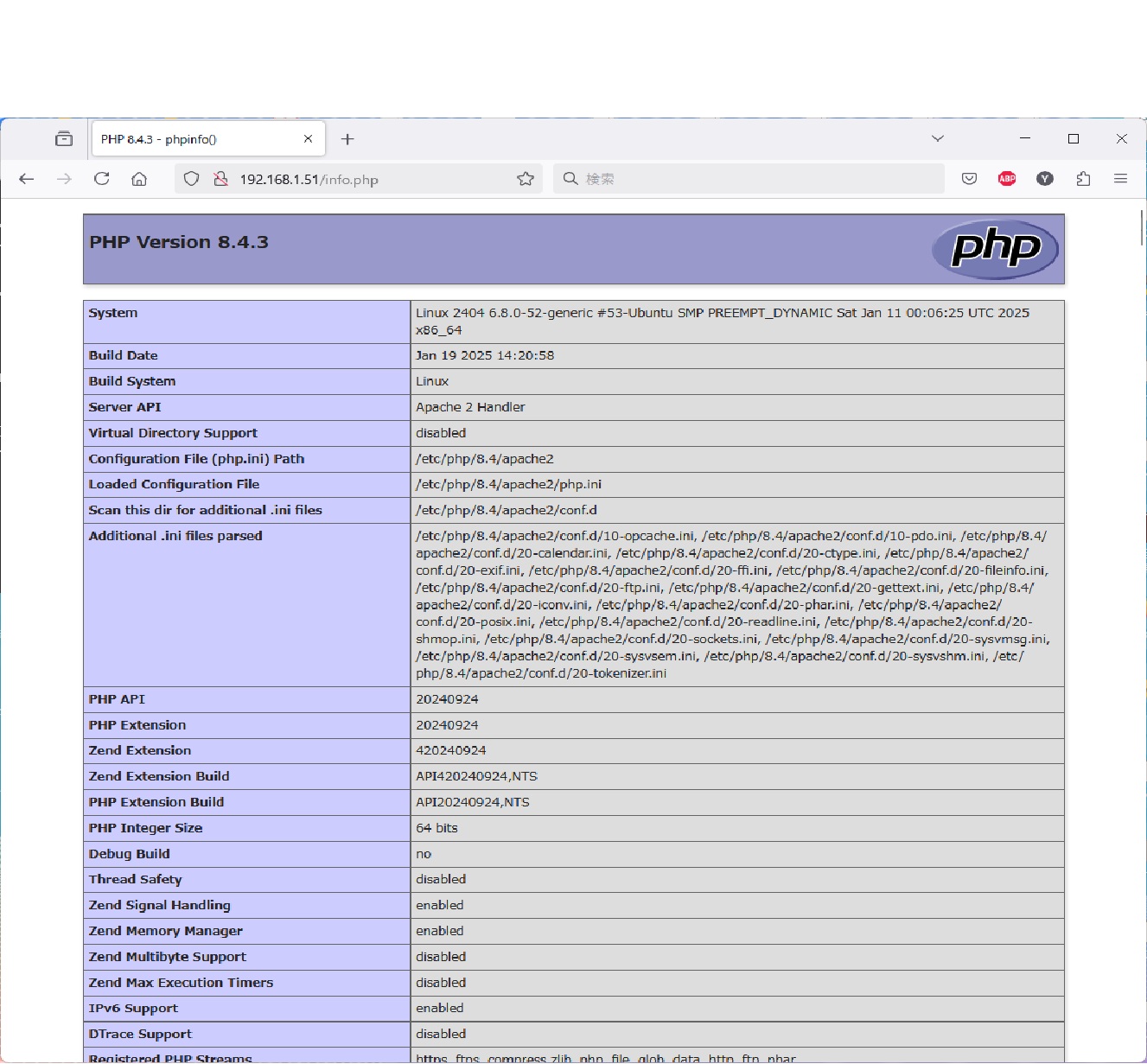
WSL2へUbuntu 24.04.1 LTS をInstallしてApache/2.4.62 PHP 8.4.3 を設定してみました。
root@pc2:~# cat /etc/os-release
PRETTY_NAME=”Ubuntu 24.04.1 LTS”
NAME=”Ubuntu”
VERSION_ID=”24.04″
VERSION=”24.04.1 LTS (Noble Numbat)”
VERSION_CODENAME=noble
ID=ubuntu
ID_LIKE=debian
HOME_URL=”https://www.ubuntu.com/”
SUPPORT_URL=”https://help.ubuntu.com/”
BUG_REPORT_URL=”https://bugs.launchpad.net/ubuntu/”
PRIVACY_POLICY_URL=”https://www.ubuntu.com/legal/terms-and-policies/privacy-policy”
UBUNTU_CODENAME=noble
LOGO=ubuntu-logo
root@pc2:~# uname -r
5.15.167.4-microsoft-standard-WSL2
root@pc2:~# apache2ctl -v
Server version: Apache/2.4.62 (Ubuntu)
Server built: 2024-07-22T12:37:10
root@pc2:~# php -v
PHP 8.4.3 (cli) (built: Jan 19 2025 14:20:58) (NTS)
Copyright (c) The PHP Group
Zend Engine v4.4.3, Copyright (c) Zend Technologies
with Zend OPcache v8.4.3, Copyright (c), by Zend Technologies
root@pc2:~#