CentOS Stream release 8 PHP 7.4.14 Update

CentOS Stream release 8 PHPが7.4.14にUpdateされました。

[root@centos8 ~]# uname -r
4.18.0-259.el8.x86_64
[root@centos8 ~]# php -v
PHP 7.4.14 (cli) (built: Jan 5 2021 10:45:06) ( NTS )
Copyright (c) The PHP Group
Zend Engine v3.4.0, Copyright (c) Zend Technologies
with Zend OPcache v7.4.14, Copyright (c), by Zend Technologies
[root@centos8 ~]# curl -V
curl 7.61.1 (x86_64-redhat-linux-gnu) libcurl/7.61.1 OpenSSL/1.1.1g zlib/1.2.11 brotli/1.0.6 libidn2/2.2.0 libpsl/0.20.2 (+libidn2/2.2.0) libssh/0.9.4/openssl/zlib nghttp2/1.33.0
Release-Date: 2018-09-05
Protocols: dict file ftp ftps gopher http https imap imaps ldap ldaps pop3 pop3s rtsp scp sftp smb smbs smtp smtps telnet tftp
Features: AsynchDNS IDN IPv6 Largefile GSS-API Kerberos SPNEGO NTLM NTLM_WB SSL libz brotli TLS-SRP HTTP2 UnixSockets HTTPS-proxy PSL Metalink
[root@centos8 ~]# smbd -V
Version 4.13.2
[root@centos8 ~]# cat /etc/redhat-release
CentOS Stream release 8
[root@centos8 ~]#

カテゴリー: centos8 | コメントする

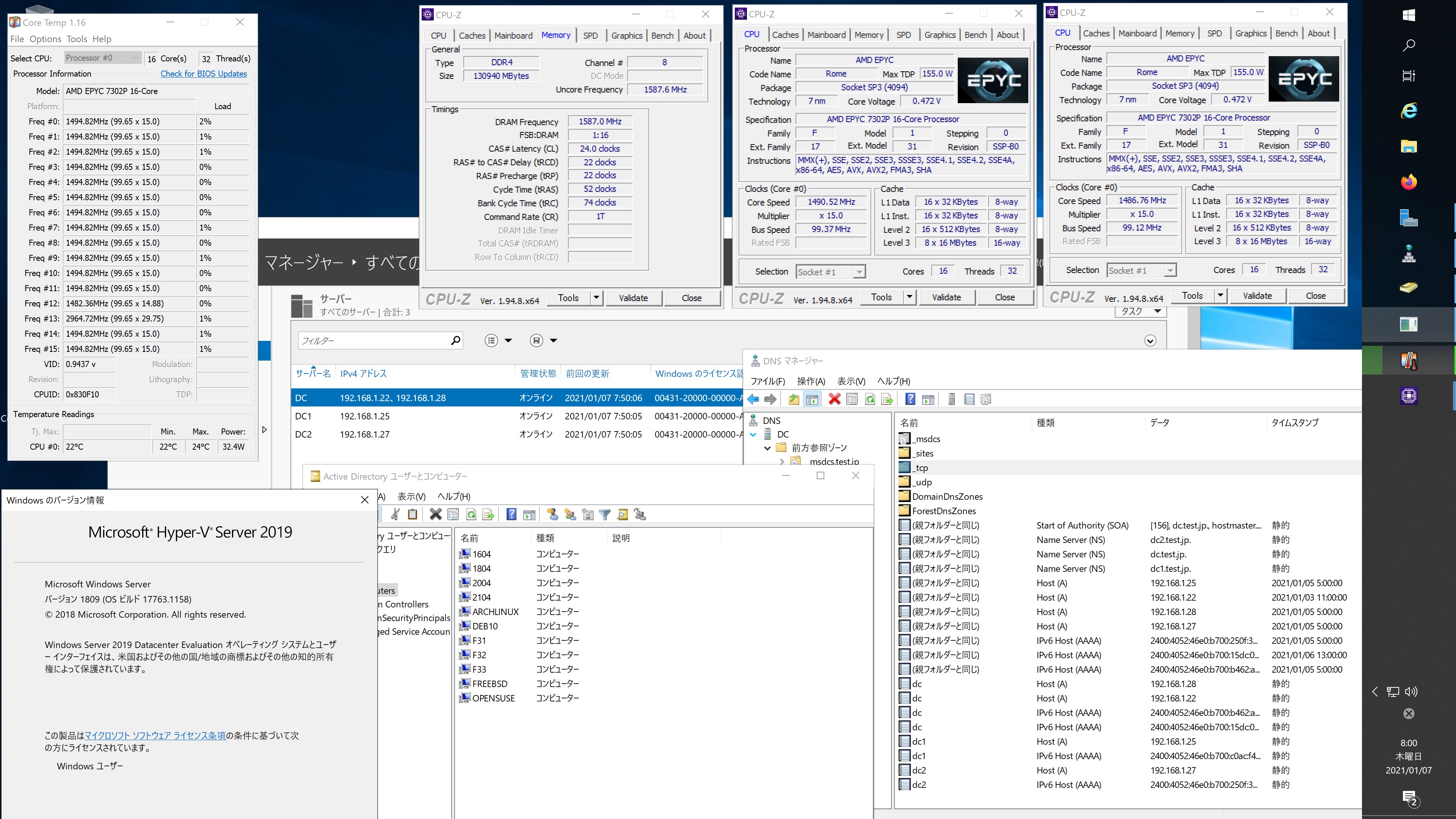
Debian test Samba4.13.2 AMD EPYC 7302P 16-core Processorで構築した Windows Server 2019 Datacenter Active Directory Domain のメンバーに参加してみた

root@debian:~# kinit administrator
Password for administrator@TEST.JP:
root@debian:~# net ads join -U administrator
Enter administrator’s password:
Using short domain name — TEST
Joined ‘DEBIAN’ to dns domain ‘test.jp’
No DNS domain configured for debian. Unable to perform DNS Update.
DNS update failed: NT_STATUS_INVALID_PARAMETER
root@debian:~# systemctl restart winbind
root@debian:~# wbinfo -u
TEST\administrator
TEST\guest
TEST\krbtgt
TEST\chibi
root@debian:~# wbinfo -n chibi
S-1-5-21-995094434-2370853644-3769685270-1103 SID_USER (1)
root@debian:~# net ads info
LDAP server: 192.168.1.28
LDAP server name: dc.test.jp
Realm: TEST.JP
Bind Path: dc=TEST,dc=JP
LDAP port: 389
Server time: 木, 07 1月 2021 16:08:49 JST
KDC server: 192.168.1.28
Server time offset: -7
Last machine account password change: 木, 07 1月 2021 16:07:59 JST
root@debian:~# host -4 dc
dc.test.jp has address 192.168.1.28
dc.test.jp has address 192.168.1.22
dc.test.jp has IPv6 address 2400:4052:46e0:b700:b462:ad0e:dd8c:96f4
dc.test.jp has IPv6 address 2400:4052:46e0:b700:15dc:bd6:5817:24fc
root@debian:~# host -4 dc1
dc1.test.jp has address 192.168.1.25
dc1.test.jp has IPv6 address 2400:4052:46e0:b700:c0ac:f44c:e63:2b0
root@debian:~# host -4 dc2
dc2.test.jp has address 192.168.1.27
dc2.test.jp has IPv6 address 2400:4052:46e0:b700:250f:3df1:1c43:8fcd
root@debian:~# host -t SRV _ldap._tcp.test.jp
_ldap._tcp.test.jp has SRV record 0 100 389 dc2.test.jp.
_ldap._tcp.test.jp has SRV record 0 100 389 dc.test.jp.
_ldap._tcp.test.jp has SRV record 0 100 389 dc1.test.jp.
root@debian:~# host -t SRV _kerberos._udp.test.jp
_kerberos._udp.test.jp has SRV record 0 100 88 dc1.test.jp.
_kerberos._udp.test.jp has SRV record 0 100 88 dc2.test.jp.
_kerberos._udp.test.jp has SRV record 0 100 88 dc.test.jp.
root@debian:~# host -t A test.jp
test.jp has address 192.168.1.22
test.jp has address 192.168.1.27
test.jp has address 192.168.1.28
test.jp has address 192.168.1.25
root@debian:~# cat /etc/os-release
PRETTY_NAME=”Debian GNU/Linux bullseye/sid”
NAME=”Debian GNU/Linux”
ID=debian
HOME_URL=”https://www.debian.org/”
SUPPORT_URL=”https://www.debian.org/support”
BUG_REPORT_URL=”https://bugs.debian.org/”
root@debian:~# samba -V
Version 4.13.2-Debian
root@debian:~# smbclient //192.168.1.22/netlogon -Uadministrator
Debian test Samba4.13.2 AMD EPYC 7302P 16-core Processorで構築した Windows Server 2019 Datacenter Active Directory Domain のメンバーに参加してみた
カテゴリー: debian, samba4, windows | コメントする

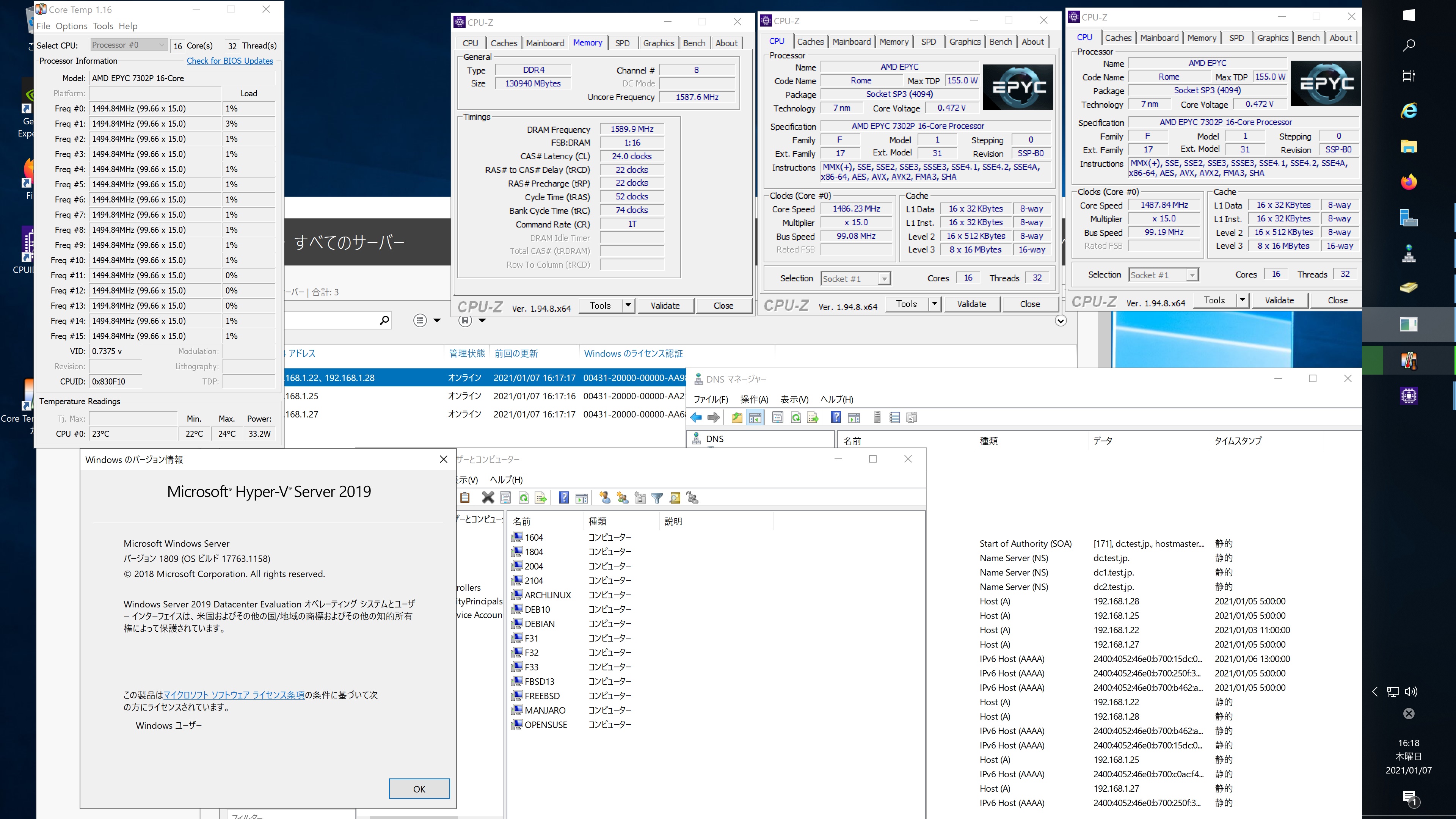
Manjaro Linux Samba4.13.3 AMD EPYC 7302P 16-core Processorで構築した Windows Server 2019 Datacenter Active Directory Domain のメンバーに参加してみた


[manjaro ~]# kinit administrator
Password for administrator@TEST.JP:
[manjaro ~]# net ads join -U administrator
Enter administrator’s password:
Using short domain name — TEST
Joined ‘MANJARO’ to dns domain ‘test.jp’
No DNS domain configured for manjaro. Unable to perform DNS Update.
DNS update failed: NT_STATUS_INVALID_PARAMETER
[manjaro ~]# systemctl restart winbind
[manjaro ~]# wbinfo -u
TEST\guest
TEST\administrator
TEST\krbtgt
TEST\chibi
[manjaro ~]# wbinfo -n chibi
S-1-5-21-995094434-2370853644-3769685270-1103 SID_USER (1)
[manjaro ~]# net ads info
LDAP server: 192.168.1.25
LDAP server name: dc1.test.jp
Realm: TEST.JP
Bind Path: dc=TEST,dc=JP
LDAP port: 389
Server time: 木, 07 1月 2021 12:39:21 JST
KDC server: 192.168.1.25
Server time offset: -9
Last machine account password change: 木, 07 1月 2021 12:38:57 JST
[manjaro ~]# host -4 dc
dc.test.jp has address 192.168.1.22
dc.test.jp has address 192.168.1.28
dc.test.jp has IPv6 address 2400:4052:46e0:b700:b462:ad0e:dd8c:96f4
dc.test.jp has IPv6 address 2400:4052:46e0:b700:15dc:bd6:5817:24fc
[manjaro ~]# host -4 dc1
dc1.test.jp has address 192.168.1.25
dc1.test.jp has IPv6 address 2400:4052:46e0:b700:c0ac:f44c:e63:2b0
[manjaro ~]# host -4 dc2
dc2.test.jp has address 192.168.1.27
dc2.test.jp has IPv6 address 2400:4052:46e0:b700:250f:3df1:1c43:8fcd
[manjaro ~]# host -t SRV _ldap._tcp.test.jp
_ldap._tcp.test.jp has SRV record 0 100 389 dc2.test.jp.
_ldap._tcp.test.jp has SRV record 0 100 389 dc.test.jp.
_ldap._tcp.test.jp has SRV record 0 100 389 dc1.test.jp.
[manjaro ~]# host -t SRV _kerberos._udp.test.jp
_kerberos._udp.test.jp has SRV record 0 100 88 dc.test.jp.
_kerberos._udp.test.jp has SRV record 0 100 88 dc1.test.jp.
_kerberos._udp.test.jp has SRV record 0 100 88 dc2.test.jp.
[manjaro ~]# host -t A test.jp
test.jp has address 192.168.1.22
test.jp has address 192.168.1.27
test.jp has address 192.168.1.25
test.jp has address 192.168.1.28
[manjaro ~]# cat /etc/os-release
NAME=”Manjaro Linux”
ID=manjaro
ID_LIKE=arch
BUILD_ID=rolling
PRETTY_NAME=”Manjaro Linux”
ANSI_COLOR=”32;1;24;144;200″
HOME_URL=”https://manjaro.org/”
DOCUMENTATION_URL=”https://wiki.manjaro.org/”
SUPPORT_URL=”https://manjaro.org/”
BUG_REPORT_URL=”https://bugs.manjaro.org/”
LOGO=manjarolinux
[manjaro ~]# samba -V
Version 4.13.3
[manjaro ~]# smbclient //192.168.1.22/netlogon -Uadministrator
manjaro Linux Samba4.13.3 AMD EPYC 7302P 16-core Processorで構築した Windows Server 2019 Datacenter Active Directory Domain のメンバーに参加してみた

カテゴリー: manjaro, samba4, windows | コメントする

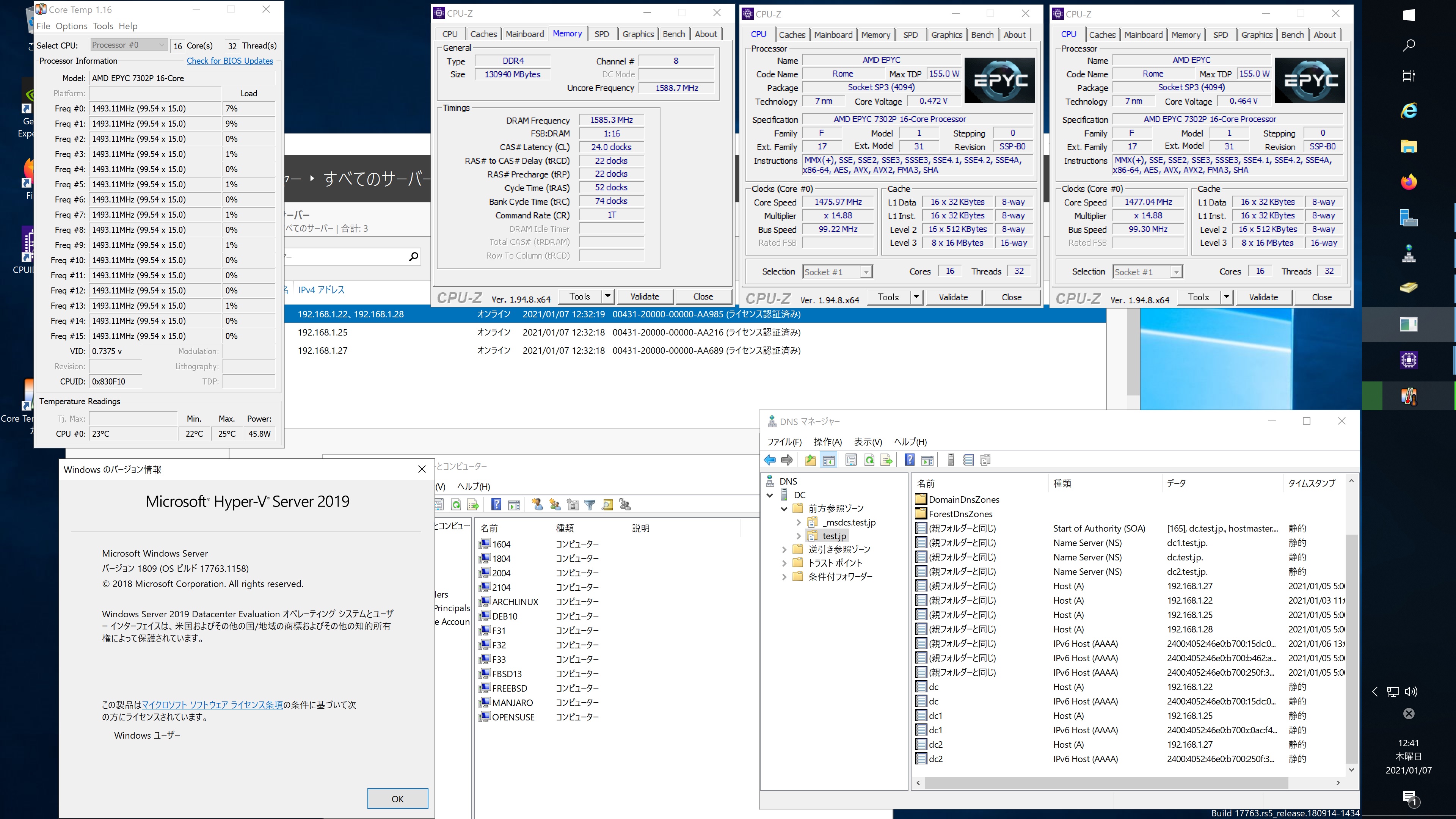
Arch Linux Samba4.13.3 AMD EPYC 7302P 16-core Processorで構築した Windows Server 2019 Datacenter Active Directory Domain のメンバーに参加してみた


[root@archlinux ~]# kinit administrator
Password for administrator@TEST.JP:
[root@archlinux ~]# net ads join -U administrator
Enter administrator’s password:
Using short domain name — TEST
Joined ‘ARCHLINUX’ to dns domain ‘test.jp’
No DNS domain configured for archlinux. Unable to perform DNS Update.
DNS update failed: NT_STATUS_INVALID_PARAMETER
[root@archlinux ~]# systemctl restart winbind
[root@archlinux ~]# wbinfo -u
TEST\administrator
TEST\guest
TEST\krbtgt
TEST\chibi
[root@archlinux ~]# wbinfo -n chibi
S-1-5-21-995094434-2370853644-3769685270-1103 SID_USER (1)
[root@archlinux ~]# net ads lookup
Information for Domain Controller: 192.168.1.28

Response Type: LOGON_SAM_LOGON_RESPONSE_EX
GUID: c8e0ec6a-8685-4987-934d-94b20f0e089e
Flags:
Is a PDC: yes
Is a GC of the forest: yes
Is an LDAP server: yes
Supports DS: yes
Is running a KDC: yes
Is running time services: yes
Is the closest DC: yes
Is writable: yes
Has a hardware clock: yes
Is a non-domain NC serviced by LDAP server: no
Is NT6 DC that has some secrets: no
Is NT6 DC that has all secrets: yes
Runs Active Directory Web Services: yes
Runs on Windows 2012 or later: yes
Forest: test.jp
Domain: test.jp
Domain Controller: dc.test.jp
Pre-Win2k Domain: TEST
Pre-Win2k Hostname: DC
Server Site Name: Default-First-Site-Name
Client Site Name: Default-First-Site-Name
NT Version: 5
LMNT Token: ffff
LM20 Token: ffff
[root@archlinux ~]# dig test.jp

; <<>> DiG 9.16.10 <<>> test.jp
;; global options: +cmd
;; Got answer:
;; ->>HEADER<<- opcode: QUERY, status: NOERROR, id: 51087 ;; flags: qr aa rd ra; QUERY: 1, ANSWER: 4, AUTHORITY: 0, ADDITIONAL: 1 ;; OPT PSEUDOSECTION: ; EDNS: version: 0, flags:; udp: 4000 ;; QUESTION SECTION: ;test.jp. IN A ;; ANSWER SECTION: test.jp. 600 IN A 192.168.1.25 test.jp. 600 IN A 192.168.1.22 test.jp. 600 IN A 192.168.1.28 test.jp. 600 IN A 192.168.1.27 ;; Query time: 3 msec ;; SERVER: 192.168.1.22#53(192.168.1.22) ;; WHEN: Thu Jan 07 07:56:31 JST 2021 ;; MSG SIZE rcvd: 100 [root@archlinux ~]# klist Ticket cache: FILE:/tmp/krb5cc_0 Default principal: administrator@TEST.JP Valid starting Expires Service principal 01/07/2021 07:55:01 01/07/2021 17:55:01 krbtgt/TEST.JP@TEST.JP renew until 01/08/2021 07:54:56 [root@archlinux ~]# wbinfo -t checking the trust secret for domain TEST via RPC calls succeeded [root@archlinux ~]# wbinfo -g TEST\domain computers TEST\domain controllers TEST\schema admins TEST\enterprise admins TEST\cert publishers TEST\domain admins TEST\domain users TEST\domain guests TEST\group policy creator owners TEST\ras and ias servers TEST\allowed rodc password replication group TEST\denied rodc password replication group TEST\read-only domain controllers TEST\enterprise read-only domain controllers TEST\cloneable domain controllers TEST\protected users TEST\key admins TEST\enterprise key admins TEST\dnsadmins TEST\dnsupdateproxy [root@archlinux ~]# smbclient //192.168.1.22/netlogon -Uadministrator Arch Linux Samba4.13.3 AMD EPYC 7302P 16-core Processorで構築した Windows Server 2019 Datacenter Active Directory Domain のメンバーに参加してみた

カテゴリー: archlinux, samba4, windows | コメントする

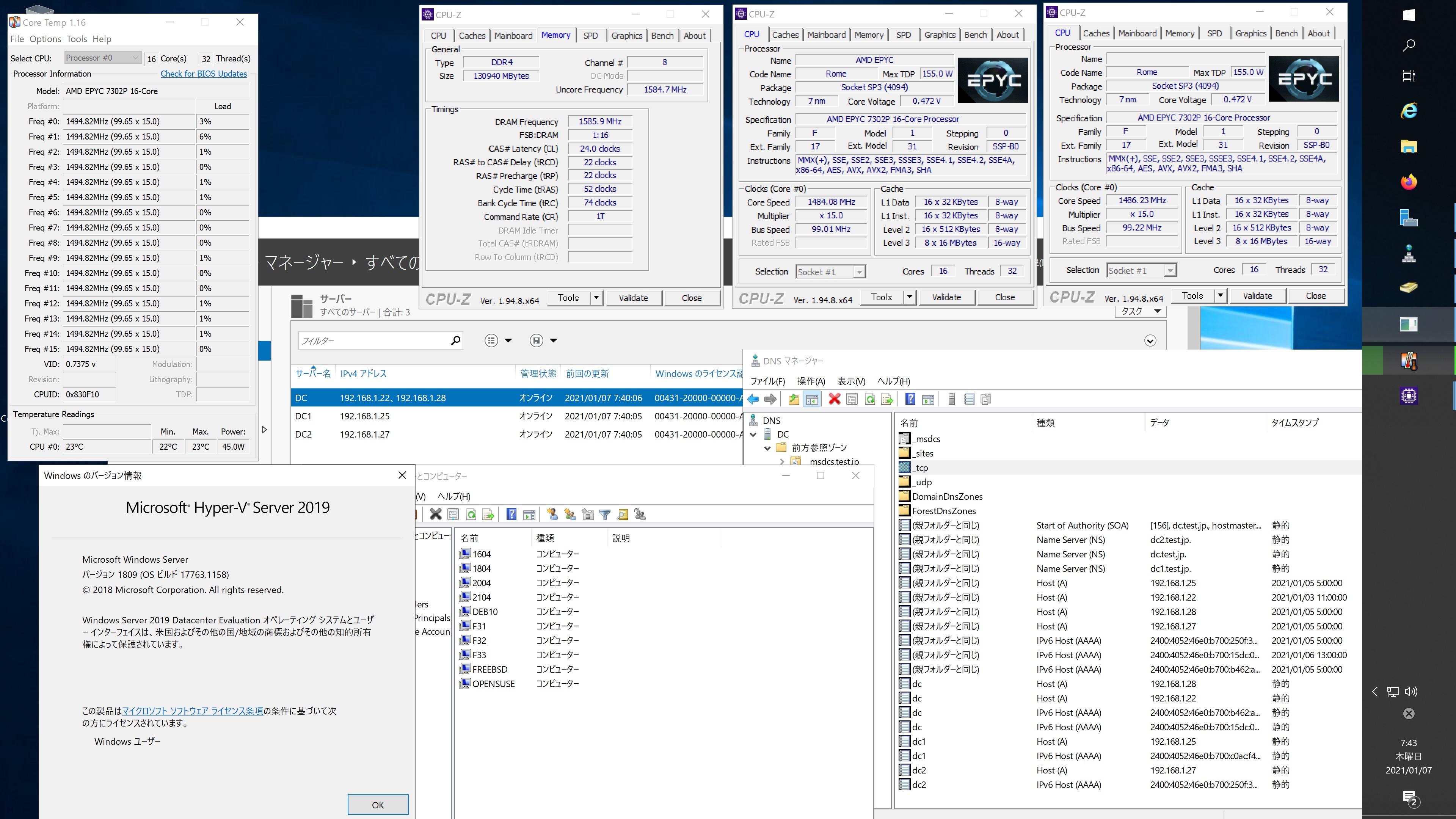
OpenSUSE Tumbleweed Samba4.13.3 AMD EPYC 7302P 16-core Processorで構築されたWindows Server 2019 Datacenter Active Directory Domain のメンバーに参加してみた


opensuse:~ # kinit administrator
Password for administrator@TEST.JP:
opensuse:~ # net ads join -U administrator
Enter administrator’s password:
Using short domain name — TEST
Joined ‘OPENSUSE’ to dns domain ‘test.jp’
No DNS domain configured for opensuse. Unable to perform DNS Update.
DNS update failed: NT_STATUS_INVALID_PARAMETER
opensuse:~ # systemctl restart winbind
opensuse:~ # wbinfo -u
guest
administrator
krbtgt
chibi
opensuse:~ # wbinfo -n chibi
S-1-5-21-995094434-2370853644-3769685270-1103 SID_USER (1)
opensuse:~ # net ads info
LDAP server: 192.168.1.25
LDAP server name: dc1.test.jp
Realm: TEST.JP
Bind Path: dc=TEST,dc=JP
LDAP port: 389
Server time: Thu, 07 Jan 2021 07:32:51 JST
KDC server: 192.168.1.25
Server time offset: -6
Last machine account password change: Thu, 07 Jan 2021 07:32:01 JST
opensuse:~ # host -4 dc
dc.test.jp has address 192.168.1.28
dc.test.jp has address 192.168.1.22
dc.test.jp has IPv6 address 2400:4052:46e0:b700:15dc:bd6:5817:24fc
dc.test.jp has IPv6 address 2400:4052:46e0:b700:b462:ad0e:dd8c:96f4
opensuse:~ # host -4 dc1
dc1.test.jp has address 192.168.1.25
dc1.test.jp has IPv6 address 2400:4052:46e0:b700:c0ac:f44c:e63:2b0
opensuse:~ # host -4 dc2
dc2.test.jp has address 192.168.1.27
dc2.test.jp has IPv6 address 2400:4052:46e0:b700:250f:3df1:1c43:8fcd
opensuse:~ # host -t SRV _ldap._tcp.test.jp
_ldap._tcp.test.jp has SRV record 0 100 389 dc2.test.jp.
_ldap._tcp.test.jp has SRV record 0 100 389 dc.test.jp.
_ldap._tcp.test.jp has SRV record 0 100 389 dc1.test.jp.
opensuse:~ # host -t SRV _kerberos._udp.test.jp
_kerberos._udp.test.jp has SRV record 0 100 88 dc1.test.jp.
_kerberos._udp.test.jp has SRV record 0 100 88 dc2.test.jp.
_kerberos._udp.test.jp has SRV record 0 100 88 dc.test.jp.
opensuse:~ # host -t A test.jp
test.jp has address 192.168.1.25
test.jp has address 192.168.1.27
test.jp has address 192.168.1.28
test.jp has address 192.168.1.22
opensuse:~ # cat /etc/os-release
NAME=”openSUSE Tumbleweed”
# VERSION=”20210102″
ID=”opensuse-tumbleweed”
ID_LIKE=”opensuse suse”
VERSION_ID=”20210102″
PRETTY_NAME=”openSUSE Tumbleweed”
ANSI_COLOR=”0;32″
CPE_NAME=”cpe:/o:opensuse:tumbleweed:20210102″
BUG_REPORT_URL=”https://bugs.opensuse.org”
HOME_URL=”https://www.opensuse.org/”
DOCUMENTATION_URL=”https://en.opensuse.org/Portal:Tumbleweed”
LOGO=”distributor-logo”
opensuse:~ # samba -V
Version 4.13.3-git.181.fc4672a5b81SUSE-oS15.5-x86_64
opensuse:~ # smbclient //192.168.1.22/netlogon -Uadministrator
OpenSUSE Tumbleweed Samba4.13.3 AMD EPYC 7302P 16-core Processorで構築されたWindows Server 2019 Datacenter Active Directory Domain のメンバーに参加してみた

カテゴリー: opensuse, samba4, windows | コメントする