
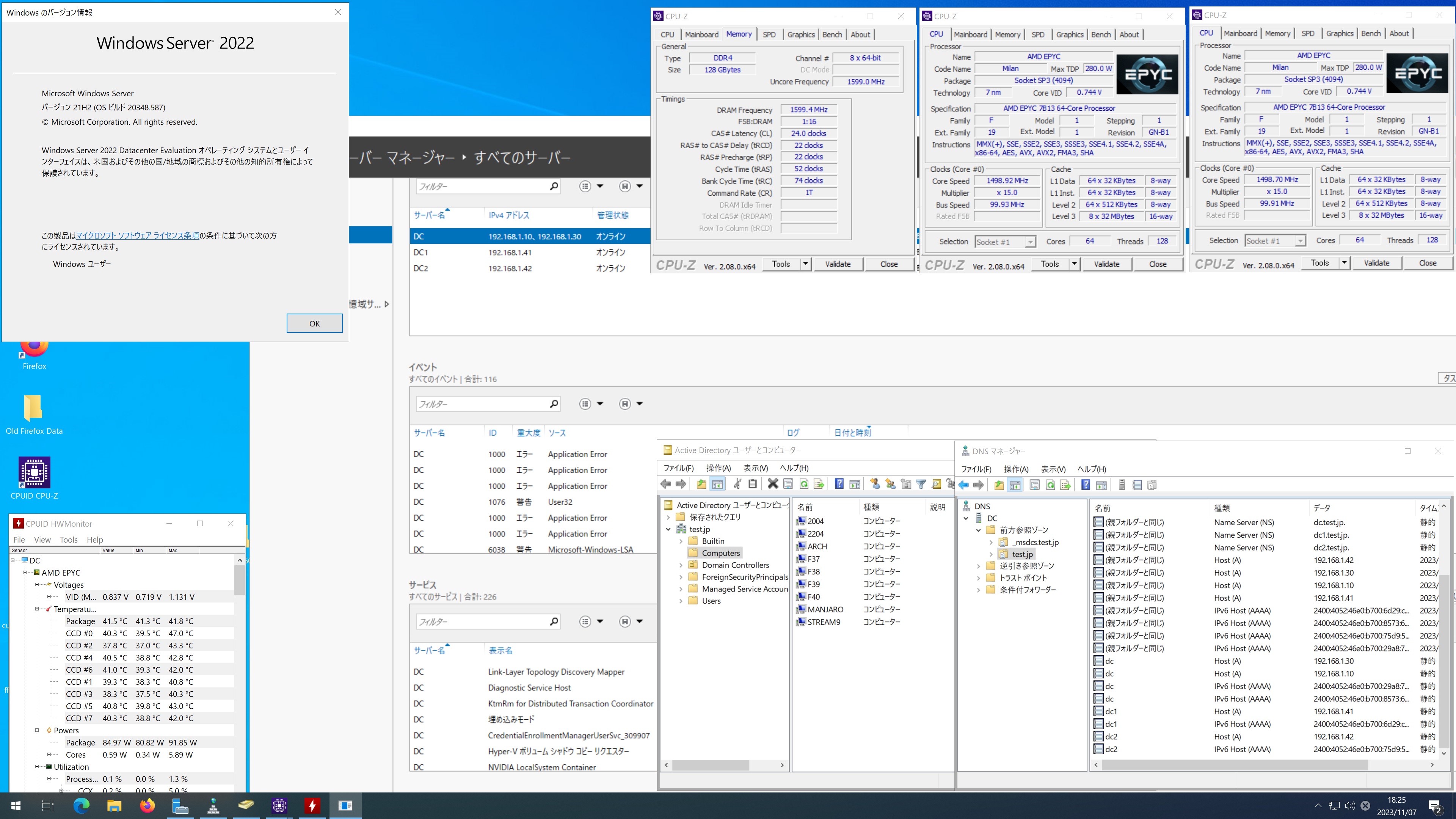

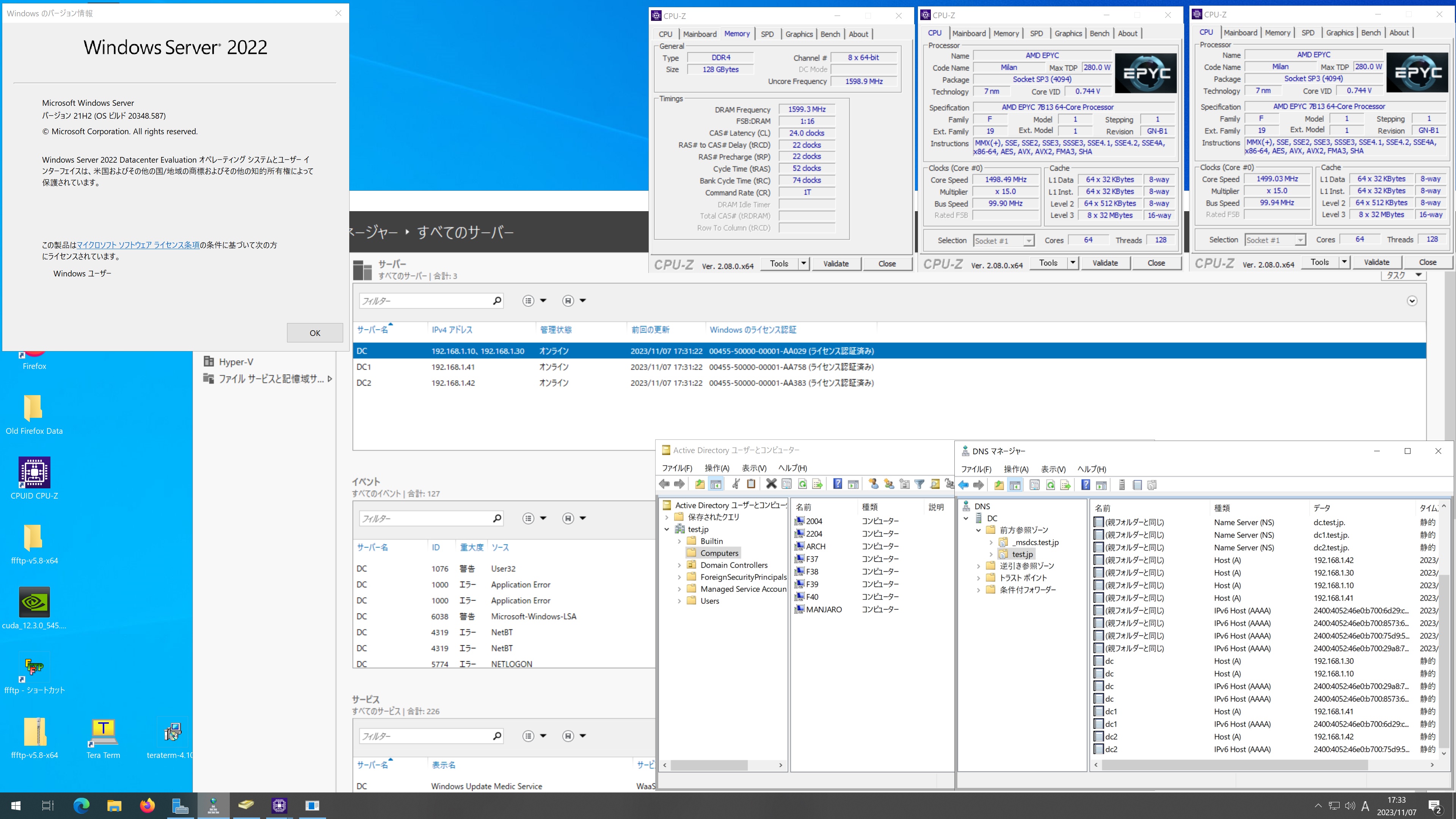
CentOS Stream release 9 Samba4.18.6 AMD EPYC 7B13 64-Core Processor 128GBに構築した Windows Server 2022 Datacenter Active Directory Domain のメンバーに参加してみた

[root@stream9 ~]# kinit administrator
Password for administrator@TEST.JP:
[root@stream9 ~]# net ads join -U administrator
Password for [TEST\administrator]:
Using short domain name — TEST
Joined ‘STREAM9’ to dns domain ‘test.jp’
No DNS domain configured for stream9. Unable to perform DNS Update.
DNS update failed: NT_STATUS_INVALID_PARAMETER
[root@stream9 ~]# systemctl restart winbind
[root@stream9 ~]# wbinfo -u
TEST\administrator
TEST\guest
TEST\w11
TEST\krbtgt
TEST\chibi
[root@stream9 ~]# wbinfo -n chibi
S-1-5-21-2320766872-3484140245-4162510373-1106 SID_USER (1)
[root@stream9 ~]# net ads info
LDAP server: 192.168.1.10
LDAP server name: dc.test.jp
Realm: TEST.JP
Bind Path: dc=TEST,dc=JP
LDAP port: 389
Server time: 火, 07 11月 2023 18:14:59 JST
KDC server: 192.168.1.10
Server time offset: 0
Last machine account password change: 火, 07 11月 2023 18:14:04 JST
[root@stream9 ~]# host -4 dc.test.jp
dc.test.jp has address 192.168.1.30
dc.test.jp has address 192.168.1.10
dc.test.jp has IPv6 address 2400:4052:46e0:b700:8573:6ab4:2f0a:e4fe
dc.test.jp has IPv6 address 2400:4052:46e0:b700:29a8:712f:67e:5853
[root@stream9 ~]# host -4 dc1.test.jp
dc1.test.jp has address 192.168.1.41
dc1.test.jp has IPv6 address 2400:4052:46e0:b700:6d29:ccff:c4f5:a9f1
[root@stream9 ~]# host -4 dc2.test.jp
dc2.test.jp has address 192.168.1.42
dc2.test.jp has IPv6 address 2400:4052:46e0:b700:75d9:50c3:35a8:ea56
[root@stream9 ~]# host -t SRV _ldap._tcp.test.jp
_ldap._tcp.test.jp has SRV record 0 100 389 dc.test.jp.
_ldap._tcp.test.jp has SRV record 0 100 389 dc1.test.jp.
_ldap._tcp.test.jp has SRV record 0 100 389 dc2.test.jp.
[root@stream9 ~]# host -t SRV _kerberos._udp.test.jp
_kerberos._udp.test.jp has SRV record 0 100 88 dc1.test.jp.
_kerberos._udp.test.jp has SRV record 0 100 88 dc2.test.jp.
_kerberos._udp.test.jp has SRV record 0 100 88 dc.test.jp.
[root@stream9 ~]# host -t A test.jp
test.jp has address 192.168.1.41
test.jp has address 192.168.1.42
test.jp has address 192.168.1.30
test.jp has address 192.168.1.10
[root@stream9 ~]# cat /etc/redhat-release
CentOS Stream release 9
[root@stream9 ~]# smbd -V
Version 4.18.6
[root@stream9 ~]# smbclient //192.168.1.10/netlogon -Uadministrator
CentOS Stream release 9 Samba4.18.6 AMD EPYC 7B13 64-Core Processor 128GBに構築した Windows Server 2022 Datacenter Active Directory Domain のメンバーに参加してみた
コメントする

Samba 4.20.0rc1 Available for Download

Samba 4.20.0rc1 が公開されました。ReleseNoteはこちらです。

コメントする

Samba 4.18.10 Available for Download

Samba 4.18.10 が公開されました。ReleaseNoteはこちらです。

コメントする

Ubuntu 20.04.6 LTS Samba4.15.13 AMD EPYC 7B13 64-Core Processor 128GBに構築した Windows Server 2022 Datacenter Active Directory Domain のメンバーに参加してみた

Password for [TEST\administrator]:
Using short domain name — TEST
Joined ‘2004’ to dns domain ‘test.jp’
No DNS domain configured for 2004. Unable to perform DNS Update.
DNS update failed: NT_STATUS_INVALID_PARAMETER
root@2004:~# systemctl restart winbind
root@2004:~# wbinfo -u
TEST\guest
TEST\administrator
TEST\krbtgt
TEST\w11
TEST\chibi
root@2004:~# wbinfo -n chibi
S-1-5-21-2320766872-3484140245-4162510373-1106 SID_USER (1)
root@2004:~# net ads info
LDAP server: 192.168.1.42
LDAP server name: dc2.test.jp
Realm: TEST.JP
Bind Path: dc=TEST,dc=JP
LDAP port: 389
Server time: 火, 07 11月 2023 17:21:48 JST
KDC server: 192.168.1.42
Server time offset: 0
Last machine account password change: 火, 07 11月 2023 17:21:02 JST
root@2004:~# host -4 dc.test.jp
dc.test.jp has address 192.168.1.10
dc.test.jp has address 192.168.1.30
dc.test.jp has IPv6 address 2400:4052:46e0:b700:8573:6ab4:2f0a:e4fe
dc.test.jp has IPv6 address 2400:4052:46e0:b700:29a8:712f:67e:5853
root@2004:~# host -4 dc1.test.jp
dc1.test.jp has address 192.168.1.41
dc1.test.jp has IPv6 address 2400:4052:46e0:b700:6d29:ccff:c4f5:a9f1
root@2004:~# host -4 dc2.test.jp
dc2.test.jp has address 192.168.1.42
dc2.test.jp has IPv6 address 2400:4052:46e0:b700:75d9:50c3:35a8:ea56
root@2004:~# host -t SRV _ldap._tcp.test.jp
_ldap._tcp.test.jp has SRV record 0 100 389 dc2.test.jp.
_ldap._tcp.test.jp has SRV record 0 100 389 dc.test.jp.
_ldap._tcp.test.jp has SRV record 0 100 389 dc1.test.jp.
root@2004:~# host -t SRV _kerberos._udp.test.jp
_kerberos._udp.test.jp has SRV record 0 100 88 dc1.test.jp.
_kerberos._udp.test.jp has SRV record 0 100 88 dc2.test.jp.
_kerberos._udp.test.jp has SRV record 0 100 88 dc.test.jp.
root@2004:~# host -t A test.jp
test.jp has address 192.168.1.10
test.jp has address 192.168.1.30
test.jp has address 192.168.1.41
test.jp has address 192.168.1.42
root@2004:~# cat /etc/os-release
NAME=”Ubuntu”
VERSION=”20.04.6 LTS (Focal Fossa)”
ID=ubuntu
ID_LIKE=debian
PRETTY_NAME=”Ubuntu 20.04.6 LTS”
VERSION_ID=”20.04″
HOME_URL=”https://www.ubuntu.com/”
SUPPORT_URL=”https://help.ubuntu.com/”
BUG_REPORT_URL=”https://bugs.launchpad.net/ubuntu/”
PRIVACY_POLICY_URL=”https://www.ubuntu.com/legal/terms-and-policies/privacy-policy”
VERSION_CODENAME=focal
UBUNTU_CODENAME=focal
root@2004:~# samba -V
Version 4.15.13-Ubuntu
root@2004:~# smbclient //192.168.1.10/netlogon -Uadministrator
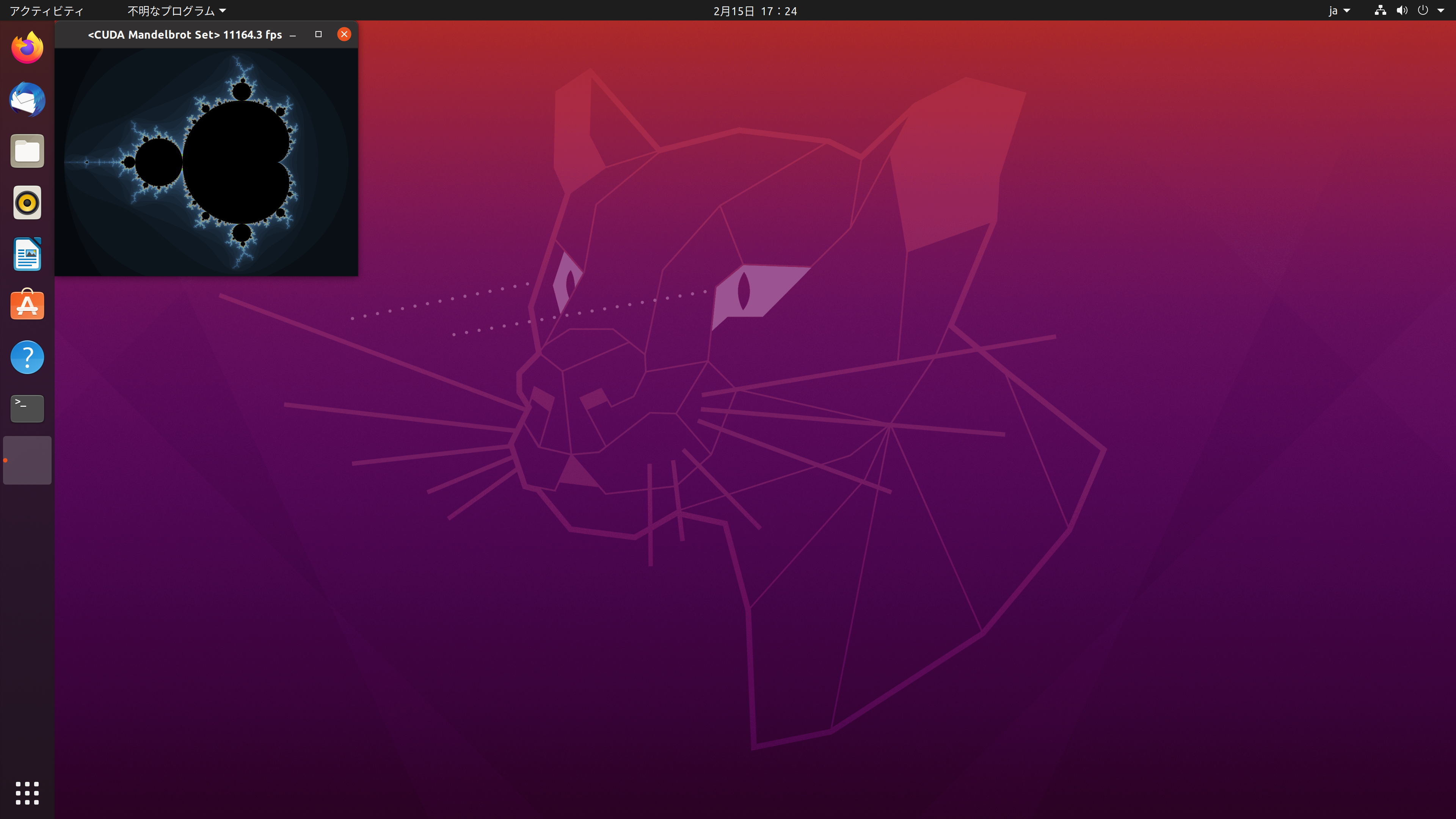
Ubuntu 20.04.6 LTS Samba4.15.13 AMD EPYC 7B13 64-Core Processor 128GBに構築した Windows Server 2022 Datacenter Active Directory Domain のメンバーに参加してみた

コメントする

kernel 6.8-rc2 が公開

kernel 6.8-rc2 が公開されました。ReleaseNoteはこちらです。

コメントする