
TensorFlow LSTM: Big-LSTM 1 Billion Word Dataset
Red Hat Enterprise Linux release 8.1 TITAN RTX x2 RTX2080Ti x2 CUDA 10.2
4枚合算スコア 4つ (words/second) wps=100453 100698 100700 100439
Red Hat Enterprise Linux release 8.1 TITAN RTX x2 RTX2080Ti x2 CUDA 10.2
4枚合算スコア 4つ (words/second) wps=100453 100698 100700 100439
Ubuntu20.04 LTS Sambaが4.11.5にUpdateされました。
root@2004:~# uname -r
5.4.0-14-generic
root@2004:~# php -v
PHP 7.3.11-0ubuntu2 (cli) (built: Jan 14 2020 18:04:48) ( NTS )
Copyright (c) 1997-2018 The PHP Group
Zend Engine v3.3.11, Copyright (c) 1998-2018 Zend Technologies
with Zend OPcache v7.3.11-0ubuntu2, Copyright (c) 1999-2018, by Zend Technologies
root@2004:~# curl -V
curl 7.67.0 (x86_64-pc-linux-gnu) libcurl/7.67.0 OpenSSL/1.1.1d zlib/1.2.11 brotli/1.0.7 libidn2/2.2.0 libpsl/0.20.2 (+libidn2/2.0.5) libssh/0.9.3/openssl/zlib nghttp2/1.40.0 librtmp/2.3
Release-Date: 2019-11-06
Protocols: dict file ftp ftps gopher http https imap imaps ldap ldaps pop3 pop3s rtmp rtsp scp sftp smb smbs smtp smtps telnet tftp
Features: AsynchDNS brotli GSS-API HTTP2 HTTPS-proxy IDN IPv6 Kerberos Largefile libz NTLM NTLM_WB PSL SPNEGO SSL TLS-SRP UnixSockets
root@2004:~# samba -V
Version 4.11.5-Ubuntu
root@2004:~# cat /etc/os-release
NAME=”Ubuntu”
VERSION=”20.04 LTS (Focal Fossa)”
ID=ubuntu
ID_LIKE=debian
PRETTY_NAME=”Ubuntu Focal Fossa (development branch)”
VERSION_ID=”20.04″
HOME_URL=“https://www.ubuntu.com/”
SUPPORT_URL=“https://help.ubuntu.com/”
BUG_REPORT_URL=“https://bugs.launchpad.net/ubuntu/”
PRIVACY_POLICY_URL=“https://www.ubuntu.com/legal/terms-and-policies/privacy-policy”
VERSION_CODENAME=focal
UBUNTU_CODENAME=focal
root@2004:~#
[root@f32 ~]# samba-tool domain provision
Realm: TEST.JP
Domain [TEST]:
Server Role (dc, member, standalone) [dc]:
DNS backend (SAMBA_INTERNAL, BIND9_FLATFILE, BIND9_DLZ, NONE) [SAMBA_INTERNAL]:
DNS forwarder IP address (write ‘none’ to disable forwarding) [192.168.1.2]:
Administrator password:
Retype password:
Looking up IPv4 addresses
Looking up IPv6 addresses
No IPv6 address will be assigned
Setting up share.ldb
Setting up secrets.ldb
Setting up the registry
Setting up the privileges database
Setting up idmap db
Setting up SAM db
Setting up sam.ldb partitions and settings
Setting up sam.ldb rootDSE
Pre-loading the Samba 4 and AD schema
Unable to determine the DomainSID, can not enforce uniqueness constraint on local domainSIDs
Adding DomainDN: DC=test,DC=jp
Adding configuration container
Setting up sam.ldb schema
Setting up sam.ldb configuration data
Setting up display specifiers
Modifying display specifiers and extended rights
Adding users container
Modifying users container
Adding computers container
Modifying computers container
Setting up sam.ldb data
Setting up well known security principals
Setting up sam.ldb users and groups
Setting up self join
Repacking database from v1 to v2 format (first record CN=ms-DS-Az-Application,CN=Schema,CN=Configuration,DC=test,DC=jp)
Repack: re-packed 10000 records so far
Repacking database from v1 to v2 format (first record CN=mSMQSiteLink-Display,CN=414,CN=DisplaySpecifiers,CN=Configuration,DC=test,DC=jp)
Repacking database from v1 to v2 format (first record CN=Infrastructure,DC=test,DC=jp)
Adding DNS accounts
Creating CN=MicrosoftDNS,CN=System,DC=test,DC=jp
Creating DomainDnsZones and ForestDnsZones partitions
Populating DomainDnsZones and ForestDnsZones partitions
Repacking database from v1 to v2 format (first record DC=DomainDnsZones,DC=test,DC=jp)
Repacking database from v1 to v2 format (first record DC=_ldap._tcp.dc,DC=_msdcs.test.jp,CN=MicrosoftDNS,DC=ForestDnsZones,DC=test,DC=jp)
Setting up sam.ldb rootDSE marking as synchronized
Fixing provision GUIDs
The Kerberos KDC configuration for Samba AD is located at /var/lib/samba/private/kdc.conf
A Kerberos configuration suitable for Samba AD has been generated at /var/lib/samba/private/krb5.conf
Merge the contents of this file with your system krb5.conf or replace it with this one. Do not create a symlink!
Once the above files are installed, your Samba AD server will be ready to use
Server Role: active directory domain controller
Hostname: f32
NetBIOS Domain: TEST
DNS Domain: test.jp
DOMAIN SID: S-1-5-21-3826381857-2800277158-3877578712
Fedora release 32 samba4.12.0rc3 Acitive Directory Domeinの構築 と起動 0
[root@f32 ~]# kinit administrator
Password for administrator@TEST.JP:
[root@f32 ~]# net ads info
LDAP server: 192.168.1.2
LDAP server name: f32.test.jp
Realm: TEST.JP
Bind Path: dc=TEST,dc=JP
LDAP port: 389
Server time: 金, 21 2月 2020 14:01:41 EST
KDC server: 192.168.1.2
Server time offset: 0
Last machine account password change: 金, 21 2月 2020 13:58:06 EST
[root@f32 ~]# wbinfo -u
TEST\administrator
TEST\guest
TEST\krbtgt
[root@f32 ~]# samba-tool user add chibi
Note: samba-tool user add is deprecated. Please use samba-tool user create for the same function.
New Password:
Retype Password:
User ‘chibi’ created successfully
[root@f32 ~]# host -4 f32
f32.test.jp has address 192.168.1.2
[root@f32 ~]# host -t SRV _ldap._tcp.test.jp
_ldap._tcp.test.jp has SRV record 0 100 389 f32.test.jp.
[root@f32 ~]# host -t SRV _kerberos._udp.test.jp
_kerberos._udp.test.jp has SRV record 0 100 88 f32.test.jp.
[root@f32 ~]# host -t A f32.test.jp.
f32.test.jp has address 192.168.1.2
[root@f32 ~]# smbclient -L localhost -U%
Sharename Type Comment
——— —- ——-
sysvol Disk
netlogon Disk
IPC$ IPC IPC Service (Samba 4.12.0rc3)
SMB1 disabled — no workgroup available
[root@f32 ~]# smbclient //localhost/netlogon -Uadministrator
Fedora release 32 samba4.12.0rc3 Acitive Directory Domeinの動作確認
Fedora release 32 PHP 7.4.3とSamba4.12.0rc3がUpdateされました。
[root@f32 ~]# uname -r
5.6.0-0.rc2.git0.1.fc32.x86_64
[root@f32 ~]# php -v
PHP 7.4.3 (cli) (built: Feb 18 2020 11:53:05) ( NTS )
Copyright (c) The PHP Group
Zend Engine v3.4.0, Copyright (c) Zend Technologies
with Zend OPcache v7.4.3, Copyright (c), by Zend Technologies
[root@f32 ~]# curl -V
curl 7.68.0 (x86_64-redhat-linux-gnu) libcurl/7.68.0 OpenSSL/1.1.1d-fips zlib/1.2.11 brotli/1.0.7 libidn2/2.3.0 libpsl/0.21.0 (+libidn2/2.3.0) libssh/0.9.3/openssl/zlib nghttp2/1.40.0
Release-Date: 2020-01-08
Protocols: dict file ftp ftps gopher http https imap imaps ldap ldaps pop3 pop3s rtsp scp sftp smb smbs smtp smtps telnet tftp
Features: AsynchDNS brotli GSS-API HTTP2 HTTPS-proxy IDN IPv6 Kerberos Largefile libz Metalink NTLM NTLM_WB PSL SPNEGO SSL TLS-SRP UnixSockets
[root@f32 ~]# samba -V
Version 4.12.0rc3
[root@f32 ~]# cat /etc/redhat-release
Fedora release 32 (Thirty Two)
[root@f32 ~]#
chibi@1604:~/NVIDIA_CUDA-10.2_Samples/2_Graphics/marchingCubes$ cat /etc/os-release
NAME=”Ubuntu”
VERSION=”16.04.6 LTS (Xenial Xerus)”
ID=ubuntu
ID_LIKE=debian
PRETTY_NAME=”Ubuntu 16.04.6 LTS”
VERSION_ID=”16.04″
HOME_URL=”http://www.ubuntu.com/”
SUPPORT_URL=”http://help.ubuntu.com/”
BUG_REPORT_URL=”http://bugs.launchpad.net/ubuntu/”
VERSION_CODENAME=xenial
UBUNTU_CODENAME=xenial
chibi@1604:~/NVIDIA_CUDA-10.2_Samples/2_Graphics/marchingCubes$ nvcc -V
nvcc: NVIDIA (R) Cuda compiler driver
Copyright (c) 2005-2019 NVIDIA Corporation
Built on Wed_Oct_23_19:24:38_PDT_2019
Cuda compilation tools, release 10.2, V10.2.89
chibi@1604:~/NVIDIA_CUDA-10.2_Samples/2_Graphics/marchingCubes$ ./marchingCubes
[./marchingCubes] – Starting…
MarchingCubes
GPU Device 0: “Pascal” with compute capability 6.1
grid: 32 x 32 x 32 = 32768 voxels
max verts = 102400
Read ‘./data/Bucky.raw’, 32768 bytes
chibi@1604:~/NVIDIA_CUDA-10.2_Samples/2_Graphics/marchingCubes$
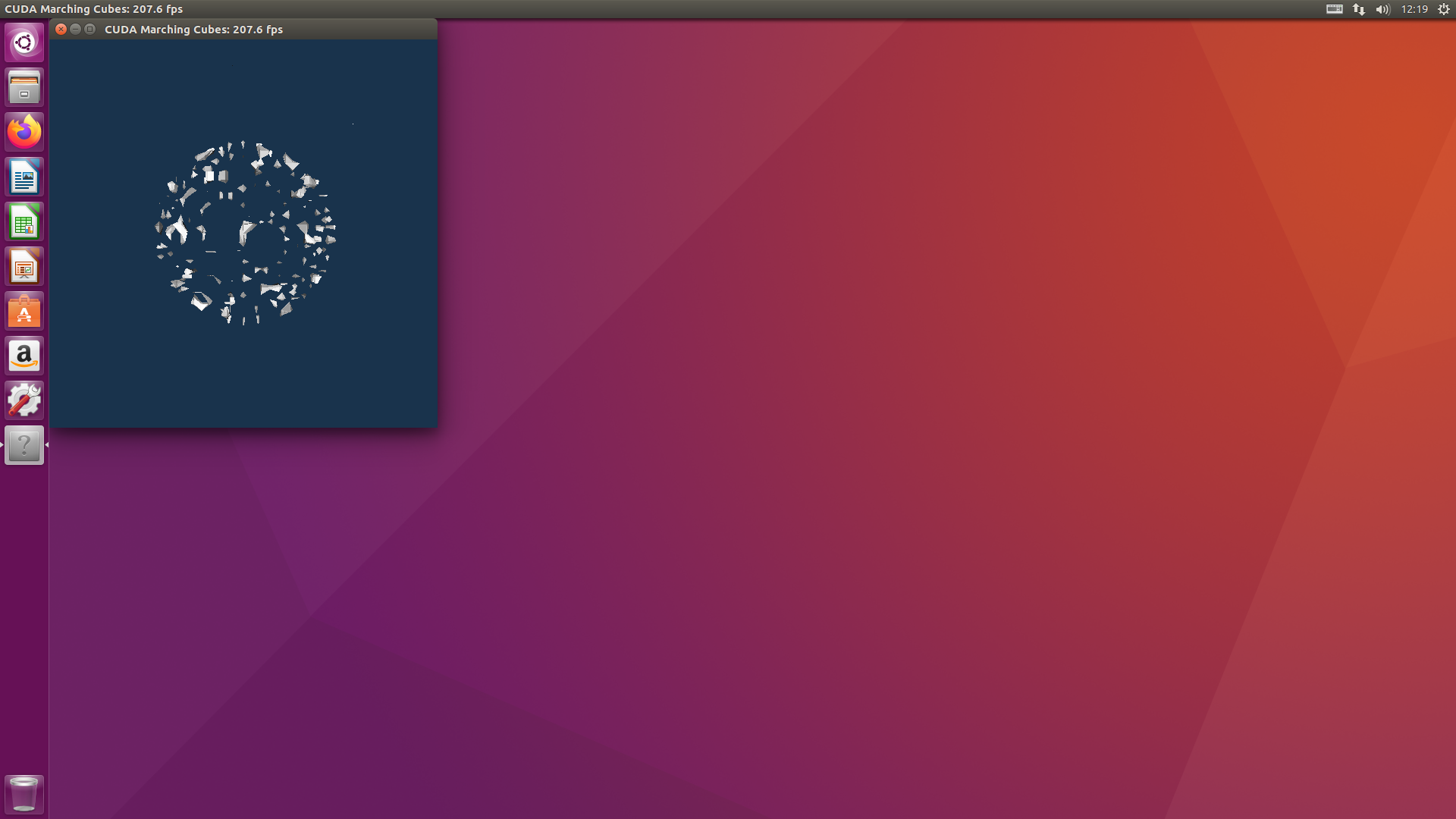
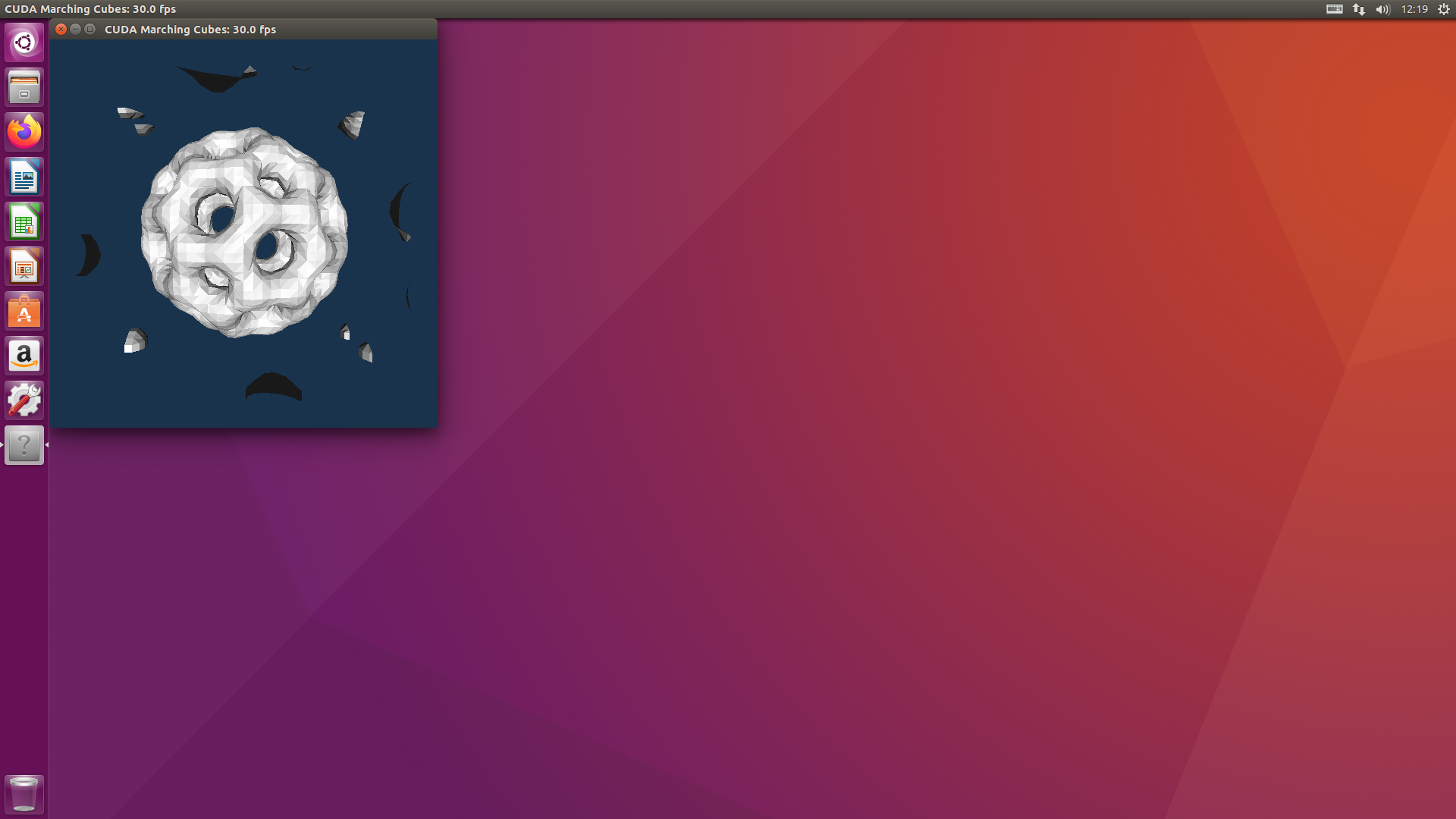
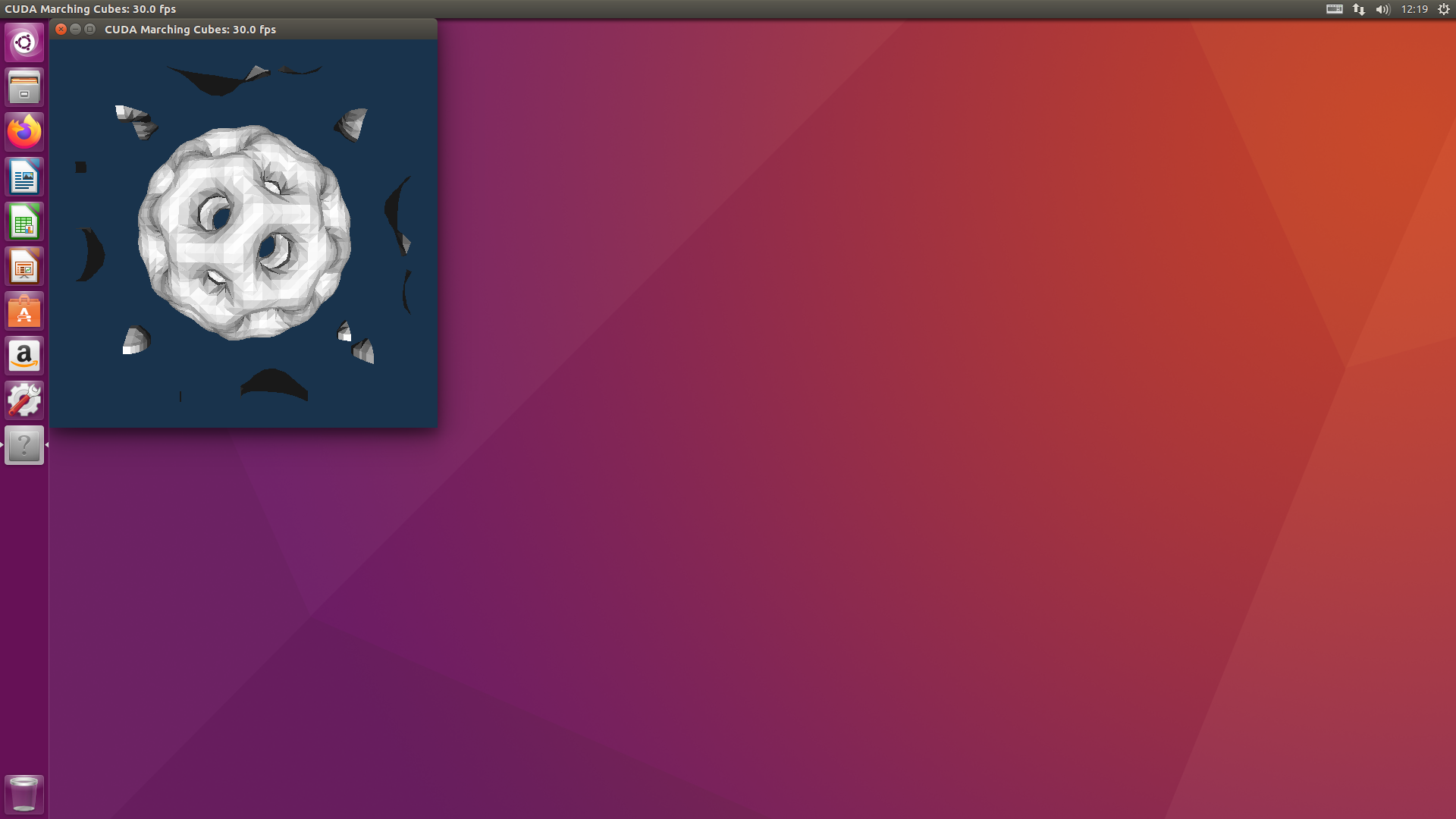
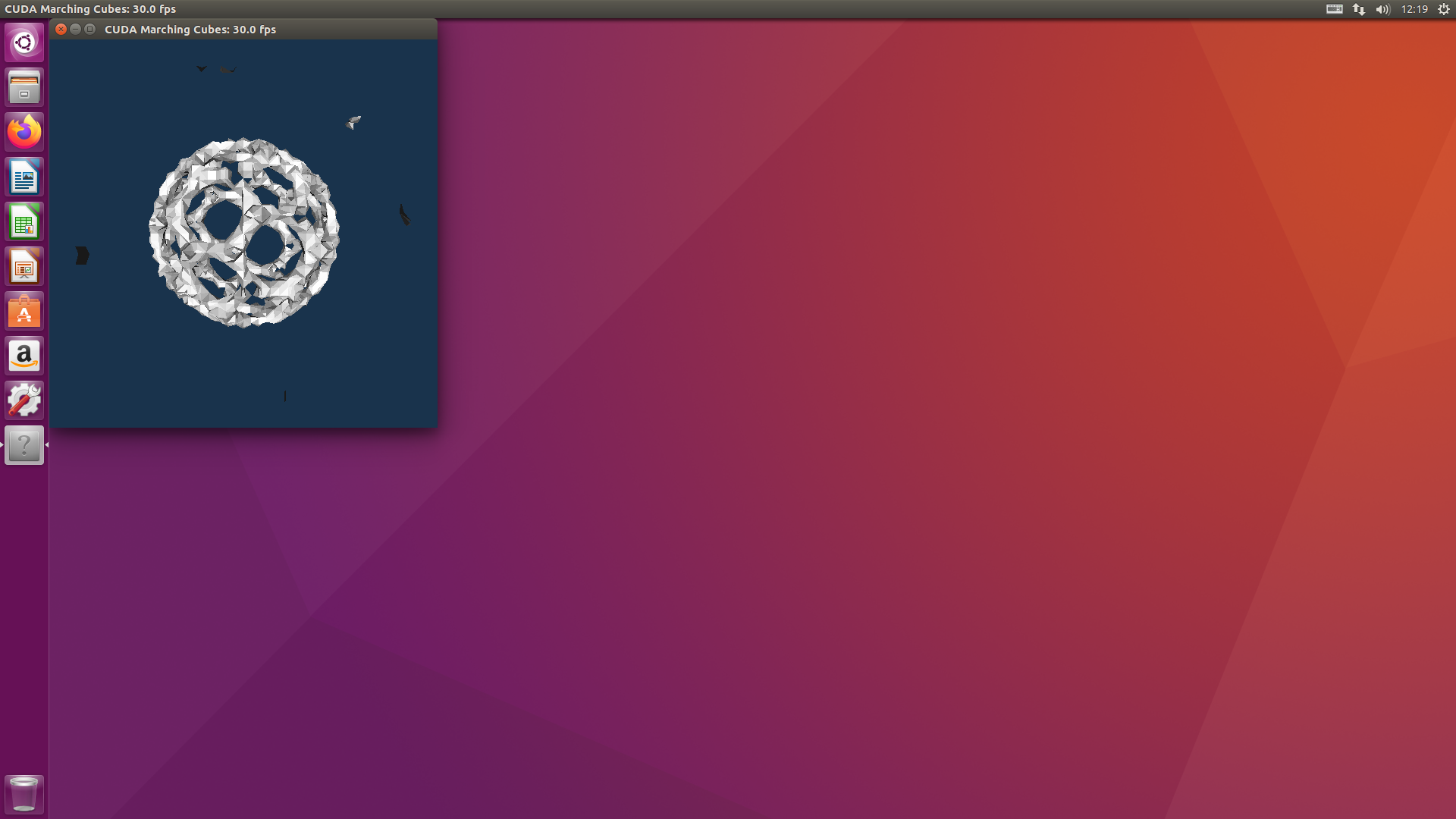
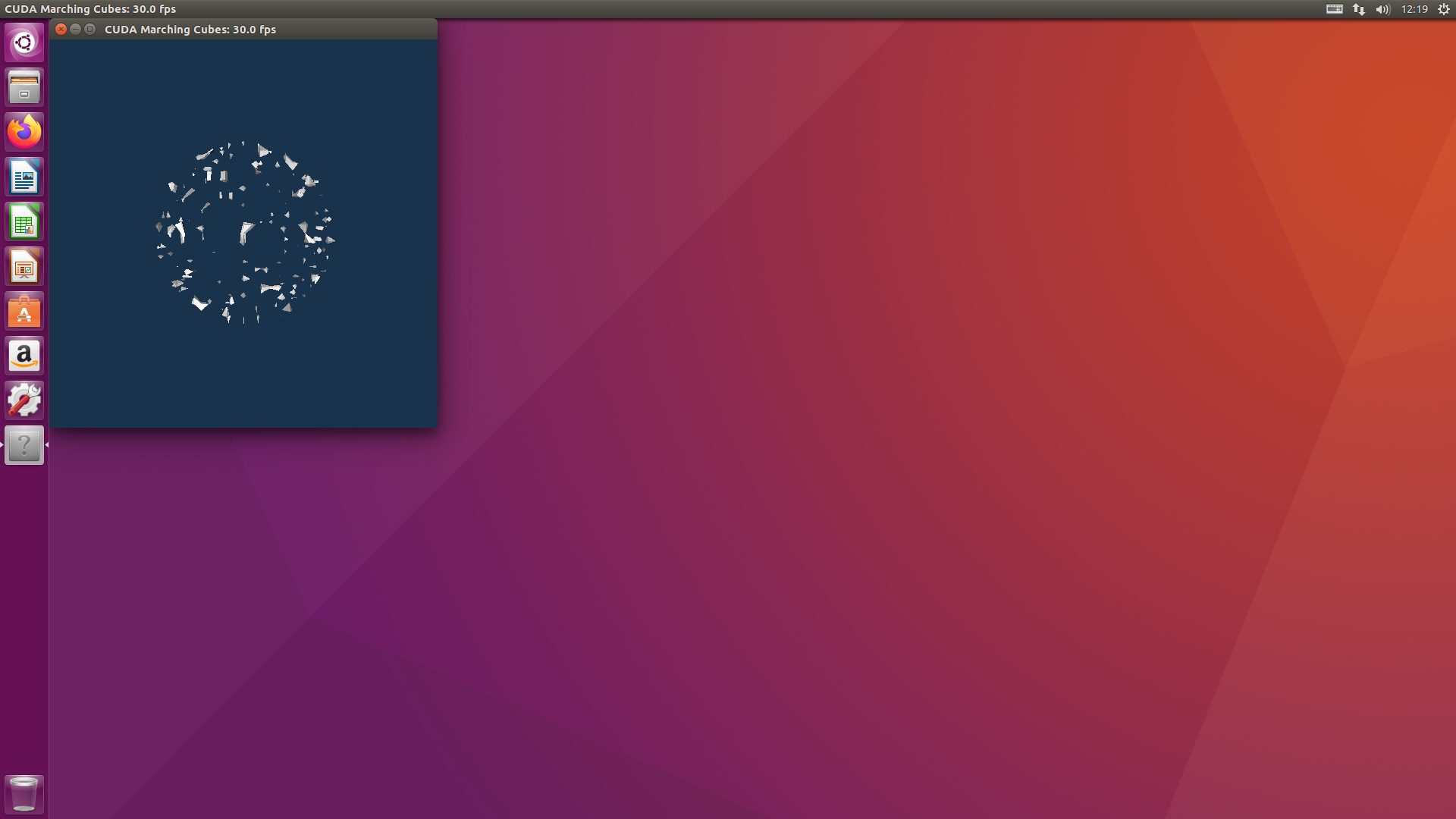
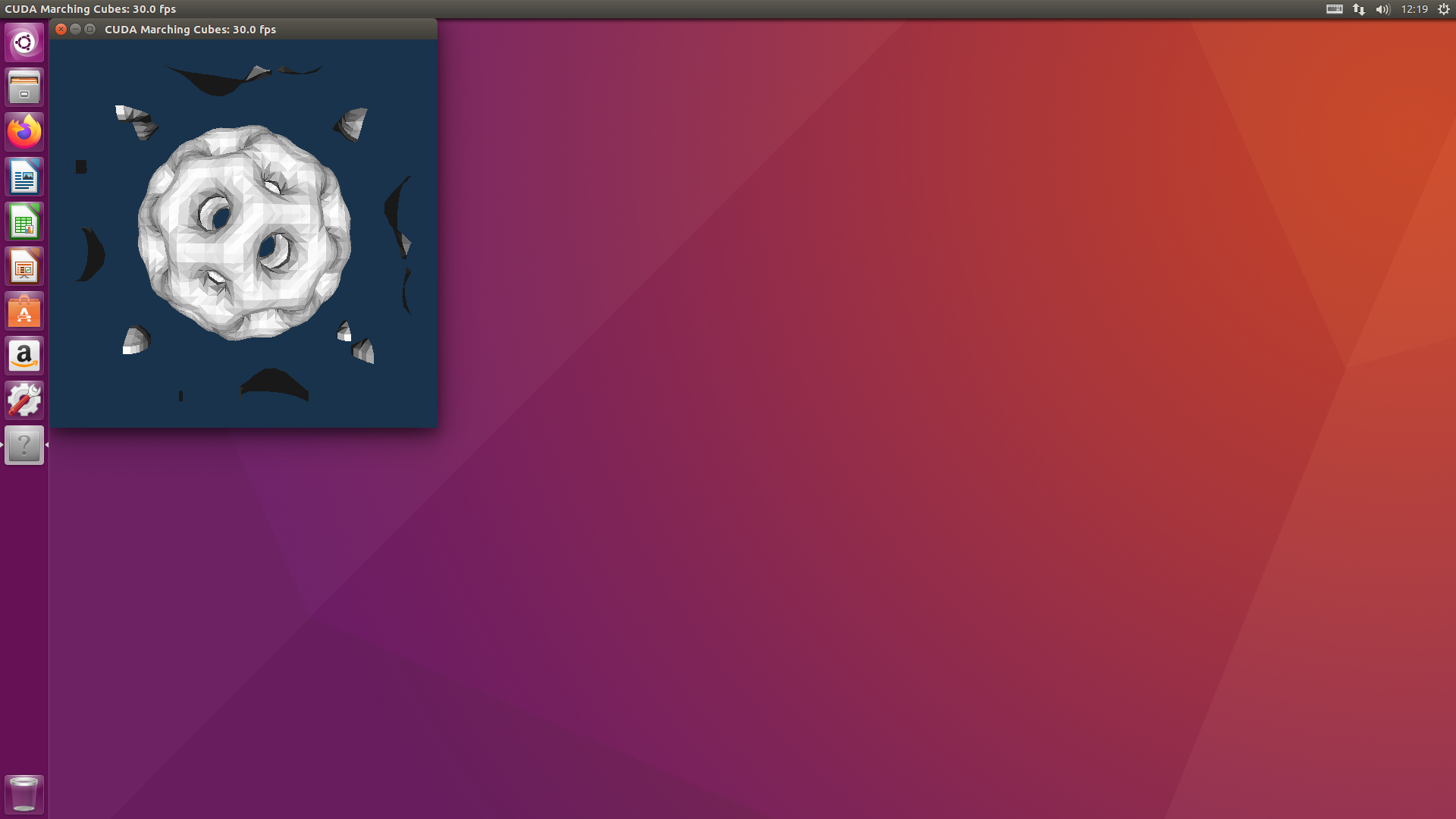
GPU温度推移 Ubuntu16.04.6 GT1030 CUDA 10.2 Samples marchingCubes nvidia-smi