Arch Linux Samba4.12.2 Update

Arch Linux Sambaが4.12.2にUpdateされました。

[root@archlinux ~]# uname -r
5.6.11-arch1-1
[root@archlinux ~]# php -v
PHP 7.4.5 (cli) (built: Apr 27 2020 10:56:19) ( NTS )
Copyright (c) The PHP Group
Zend Engine v3.4.0, Copyright (c) Zend Technologies
[root@archlinux ~]# curl -V
curl 7.70.0 (x86_64-pc-linux-gnu) libcurl/7.70.0 OpenSSL/1.1.1g zlib/1.2.11 libidn2/2.3.0 libpsl/0.21.0 (+libidn2/2.2.0) libssh2/1.9.0 nghttp2/1.40.0
Release-Date: 2020-04-29
Protocols: dict file ftp ftps gopher http https imap imaps pop3 pop3s rtsp scp sftp smb smbs smtp smtps telnet tftp
Features: AsynchDNS GSS-API HTTP2 HTTPS-proxy IDN IPv6 Kerberos Largefile libz NTLM NTLM_WB PSL SPNEGO SSL TLS-SRP UnixSockets
[root@archlinux ~]# samba -V
Version 4.12.2
[root@archlinux ~]# cat /etc/os-release
NAME=”Arch Linux”
PRETTY_NAME=”Arch Linux”
ID=arch
BUILD_ID=rolling
ANSI_COLOR=”38;2;23;147;209″
HOME_URL=”https://www.archlinux.org/”
DOCUMENTATION_URL=”https://wiki.archlinux.org/”
SUPPORT_URL=”https://bbs.archlinux.org/”
BUG_REPORT_URL=”https://bugs.archlinux.org/”
LOGO=archlinux
[root@archlinux ~]#
カテゴリー: archlinux | コメントする

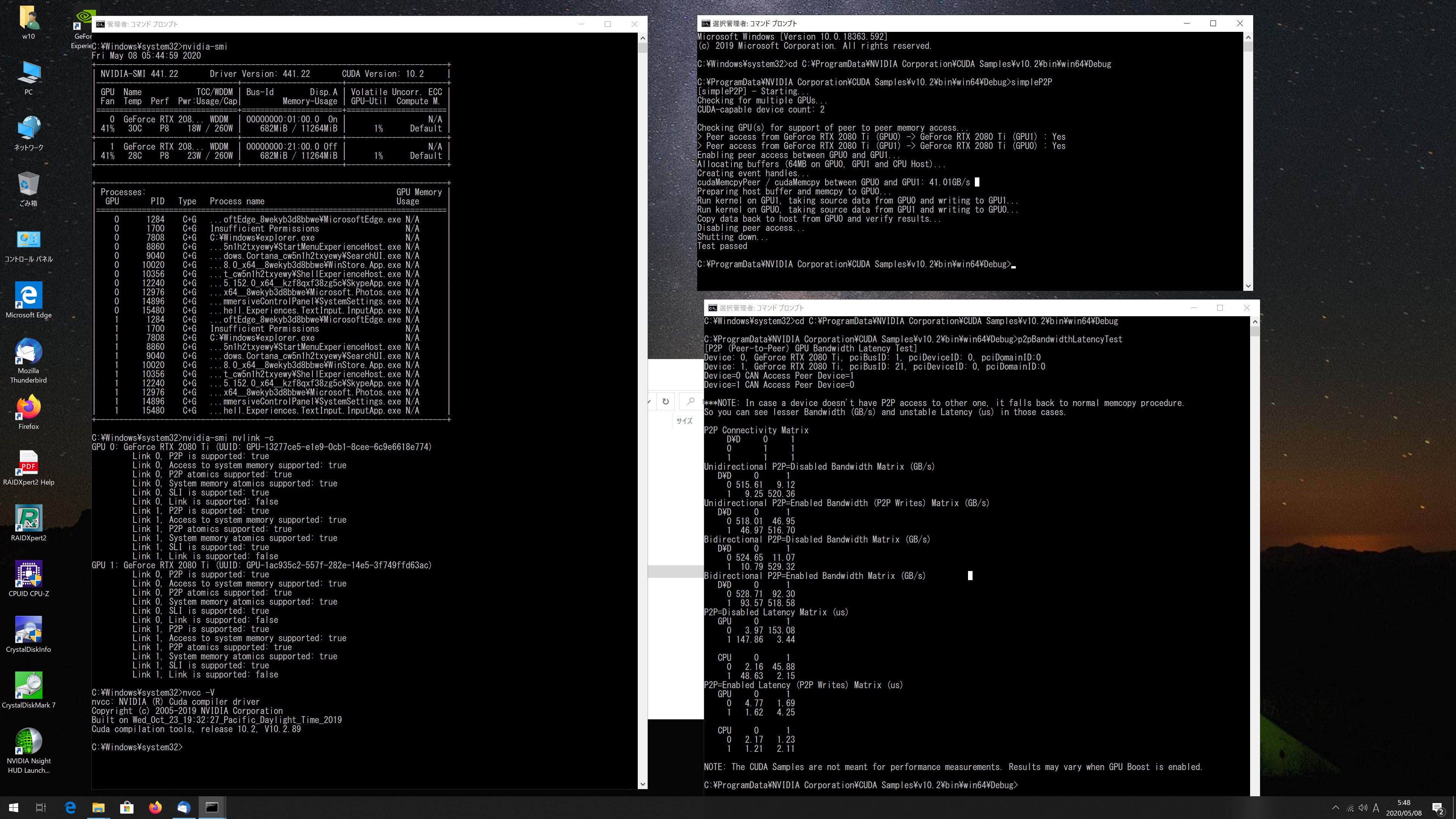
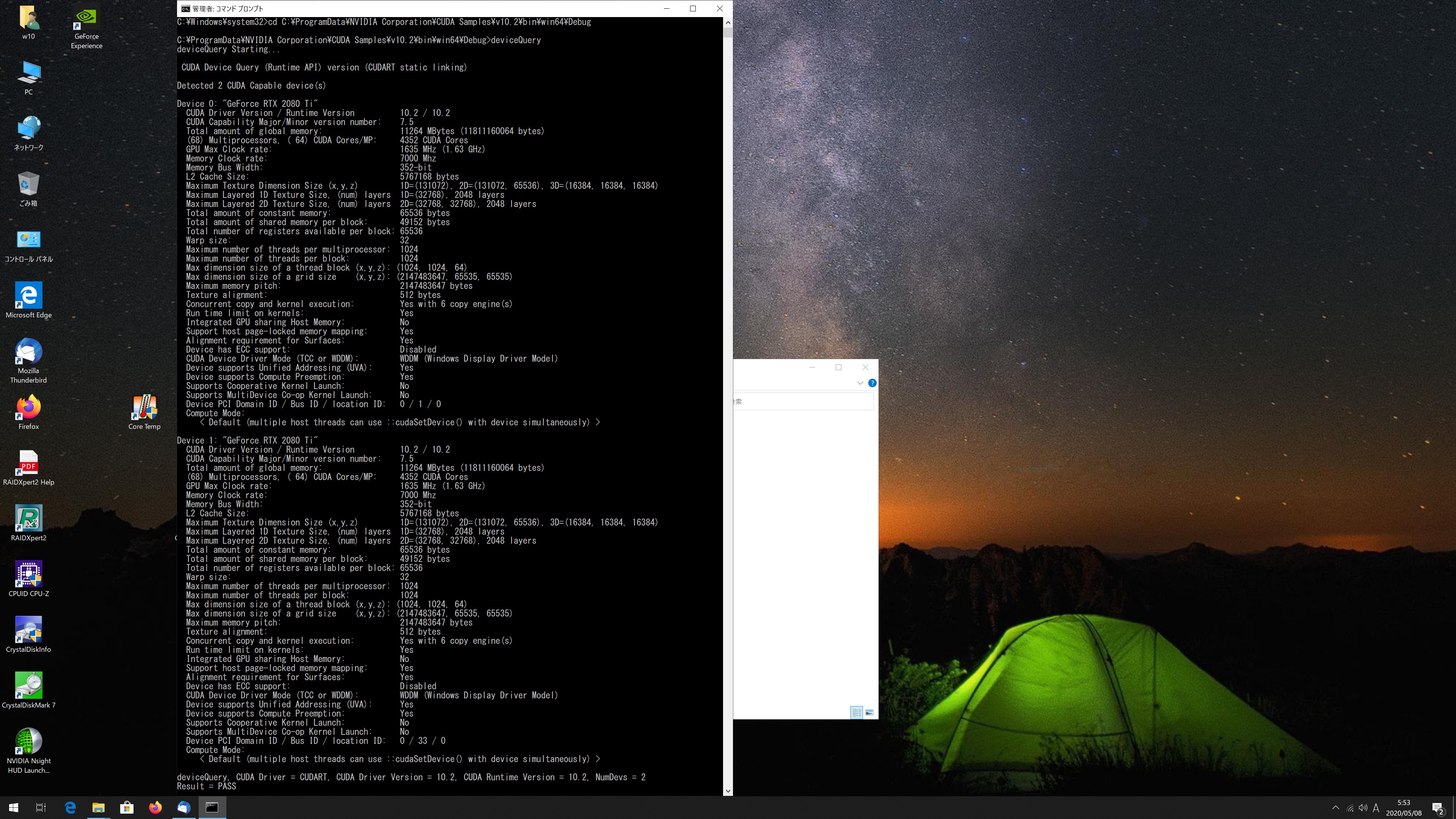
Windows 10 Pro RTX2080Ti x2 CUDA 10.2 Samples simpleP2P p2pBandwidthLatencyTestを動作させてみた


詳細はこちらです。simpleP2Pp2pBandwidthLatencyTestnvidia-smi nvlink -cdeviceQuery

カテゴリー: nvidia, windows | コメントする

Fedora release 31 Samba4.11.8 Update

Fedora release 31 Sambaが4.11.8にUpdateされました。

[root@f31 ~]# uname -r
5.6.8-200.fc31.x86_64
[root@f31 ~]# php -v
PHP 7.4.5 (cli) (built: Apr 14 2020 12:54:33) ( NTS )
Copyright (c) The PHP Group
Zend Engine v3.4.0, Copyright (c) Zend Technologies
with Zend OPcache v7.4.5, Copyright (c), by Zend Technologies
[root@f31 ~]# curl -V
curl 7.66.0 (x86_64-redhat-linux-gnu) libcurl/7.66.0 OpenSSL/1.1.1d-fips zlib/1.2.11 brotli/1.0.7 libidn2/2.3.0 libpsl/0.21.0 (+libidn2/2.2.0) libssh/0.9.4/openssl/zlib nghttp2/1.40.0
Release-Date: 2019-09-11
Protocols: dict file ftp ftps gopher http https imap imaps ldap ldaps pop3 pop3s rtsp scp sftp smb smbs smtp smtps telnet tftp
Features: AsynchDNS brotli GSS-API HTTP2 HTTPS-proxy IDN IPv6 Kerberos Largefile libz Metalink NTLM NTLM_WB PSL SPNEGO SSL TLS-SRP UnixSockets
[root@f31 ~]# samba -V
Version 4.11.8
[root@f31 ~]# cat /etc/redhat-release
Fedora release 31 (Thirty One)
[root@f31 ~]#

カテゴリー: fedora | コメントする

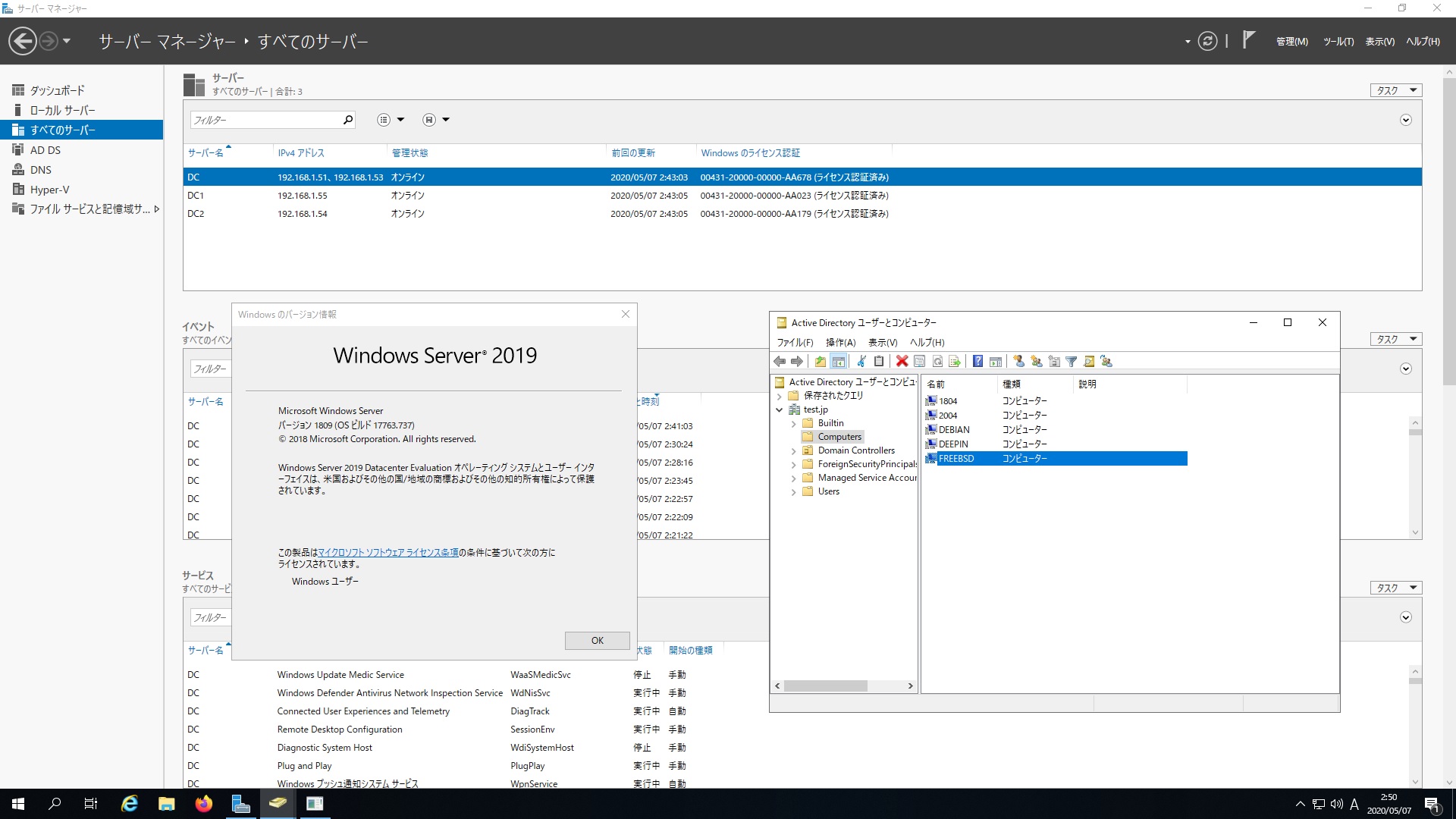
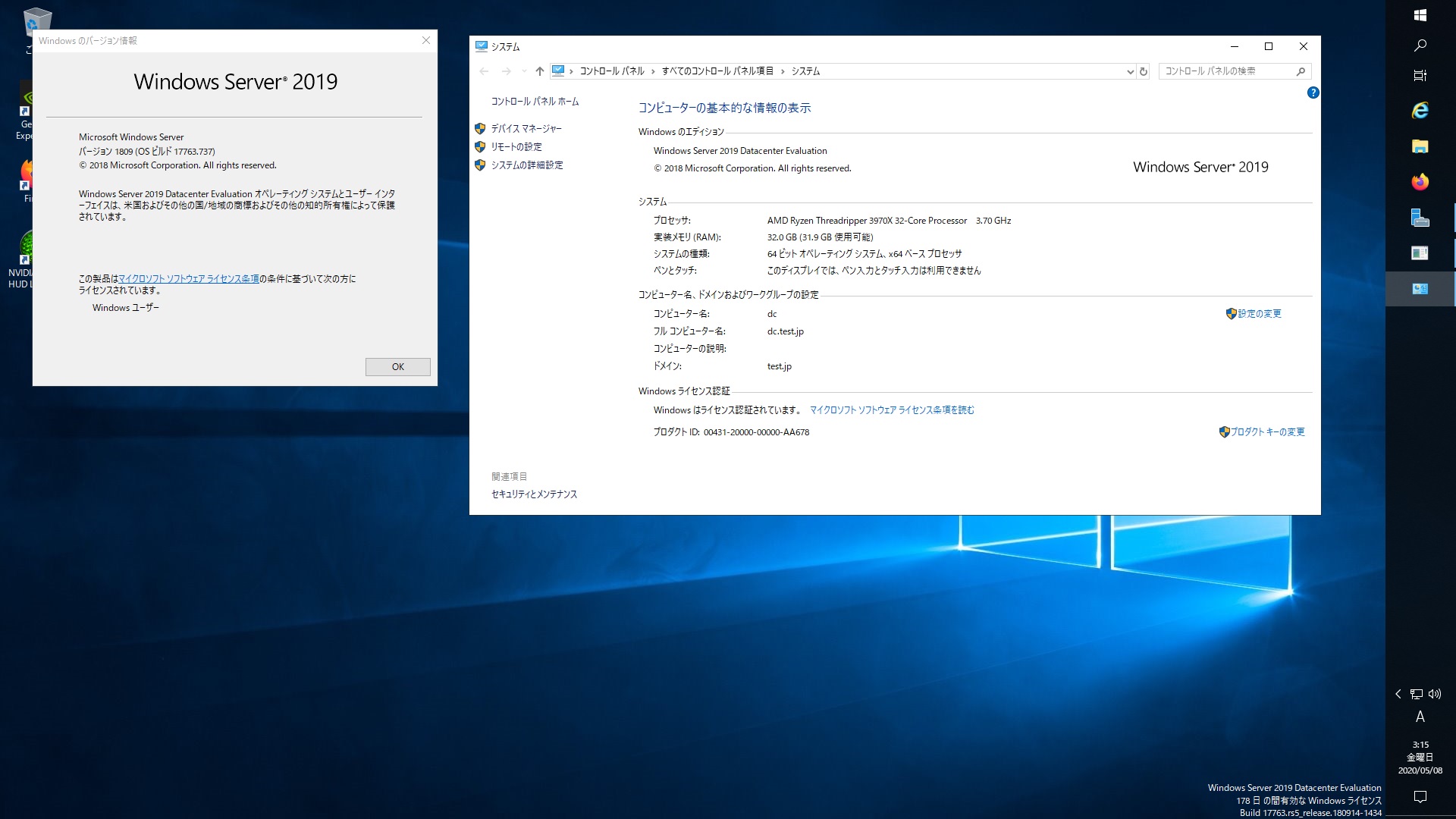
OpenSUSE Tumbleweed Samba4.12.2 Windows Server 2019 Datacenter Active Directory Domain のメンバーに参加してみた


opensuse:~ # kinit administrator
kinit: Credential cache directory /run/user/0/krb5cc does not exist while getting default ccache
opensuse:~ # mkdir /run/user/0/
opensuse:~ # kinit administrator
Password for administrator@TEST.JP:
opensuse:~ # net ads join -U administrator
Enter administrator’s password:
Using short domain name — TEST
Joined ‘OPENSUSE’ to dns domain ‘test.jp’
No DNS domain configured for opensuse. Unable to perform DNS Update.
DNS update failed: NT_STATUS_INVALID_PARAMETER
opensuse:~ # systemctl restart winbind
opensuse:~ # wbinfo -u
TEST\administrator
TEST\guest
TEST\krbtgt
TEST\chibi
opensuse:~ # wbinfo -n chibi
S-1-5-21-3153889836-307192526-2969236381-1103 SID_USER (1)
opensuse:~ # net ads info
LDAP server: 192.168.1.51
LDAP server name: dc.test.jp
Realm: TEST.JP
Bind Path: dc=TEST,dc=JP
LDAP port: 389
Server time: Fri, 08 May 2020 04:25:39 JST
KDC server: 192.168.1.51
Server time offset: -2
Last machine account password change: Fri, 08 May 2020 04:22:35 JST
opensuse:~ # cat /etc/os-release
NAME=”openSUSE Tumbleweed”
# VERSION=”20200506″
ID=”opensuse-tumbleweed”
ID_LIKE=”opensuse suse”
VERSION_ID=”20200506″
PRETTY_NAME=”openSUSE Tumbleweed”
ANSI_COLOR=”0;32″
CPE_NAME=”cpe:/o:opensuse:tumbleweed:20200506″
BUG_REPORT_URL=”https://bugs.opensuse.org”
HOME_URL=”https://www.opensuse.org/”
LOGO=”distributor-logo”
opensuse:~ # samba -V
Version 4.12.2-git.149.16ff41ef1f4SUSE-oS15.5-x86_64
opensuse:~ # host -4 dc
dc.test.jp has address 192.168.1.51
dc.test.jp has IPv6 address 2400:4052:46e0:b700:e53c:ed66:5a3c:b8cc
opensuse:~ # host -4 dc1
dc1.test.jp has address 192.168.1.55
dc1.test.jp has IPv6 address 2400:4052:46e0:b700:999c:ad75:5ee:8fce
opensuse:~ # host -4 dc2
dc2.test.jp has address 192.168.1.54
dc2.test.jp has IPv6 address 2400:4052:46e0:b700:a519:f5f9:1261:1480
opensuse:~ # smbclient -L 192.168.1.51 -U%

Sharename Type Comment
——— —- ——-
SMB1 disabled — no workgroup available
opensuse:~ # smbclient //192.168.1.51/netlogon -Uadministrator
OpenSUSE Tumbleweed Samba4.12.2 Windows Server 2019 Datacenter Active Directory Domain のメンバーに参加してみた

カテゴリー: opensuse, samba4, windows | コメントする

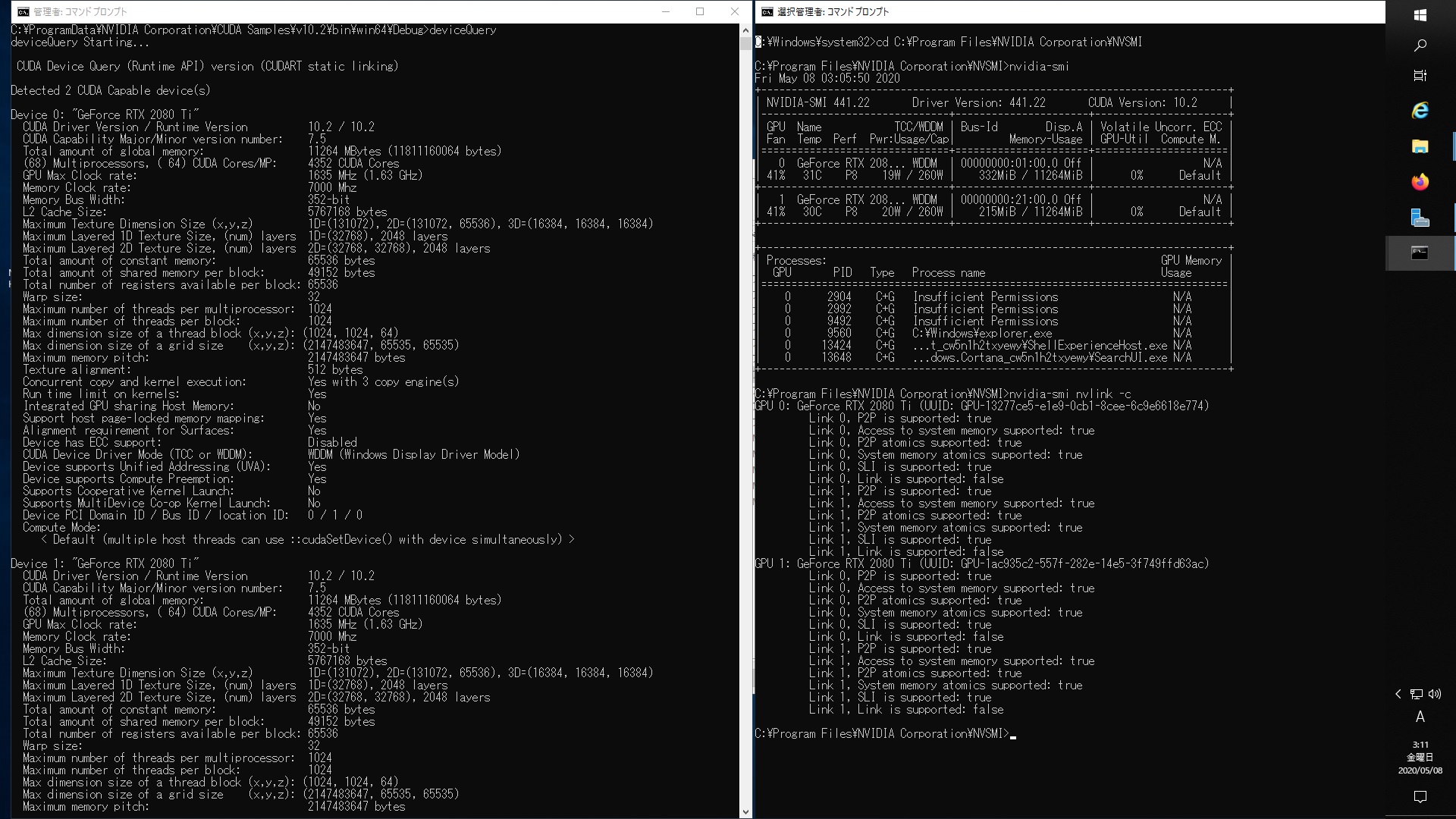
Windows Server 2019 RTX2080Tix2CUDA 10.2 SamplesでdeviceQuery nvidia-smi nvlink -cを表示させてみた


詳細はここdeviceQuery
とここnvidia-smi nvlink -c

カテゴリー: nvidia, windows | コメントする